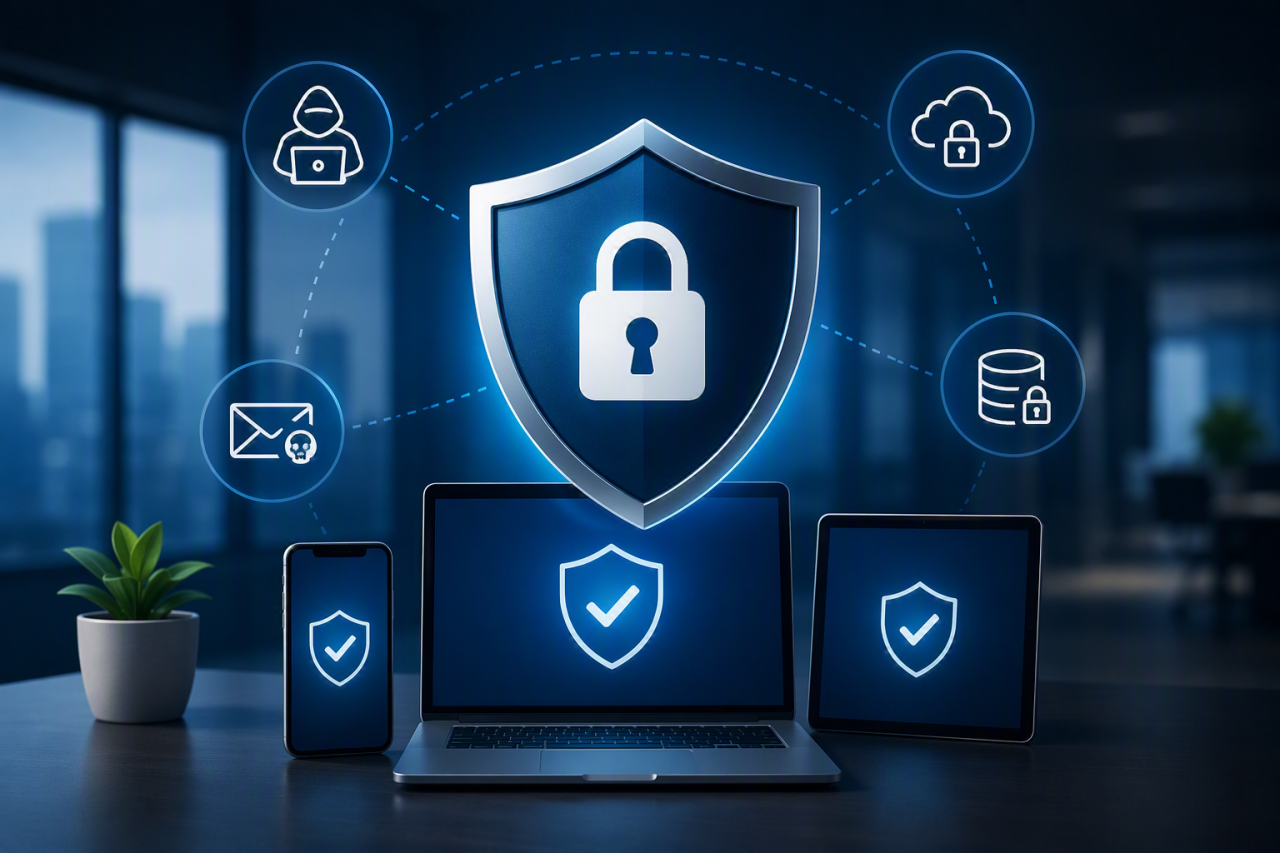
Endpoint protection is cyber security for the devices your team uses every day. That includes laptops, desktops, servers, mobile phones, tablets and remote worker devices.
Its job is simple: stop malware, ransomware, suspicious behaviour and unauthorised access before they turn into a serious business problem.
If your business uses Microsoft 365, remote working, cloud applications or mobile devices, endpoint protection should be part of your wider IT security strategy.
The Short Answer
Endpoint protection protects every device connected to your business systems. It goes further than traditional antivirus by adding real-time monitoring, threat detection, device isolation and response tools.
For most businesses, endpoint protection helps reduce the risk of:
- ransomware
- malware
- data loss
- phishing-related compromise
- unauthorised access
- lost or stolen device exposure
- downtime caused by infected machines
Why Endpoint Protection Matters
Most attacks start with a user or a device. A staff member clicks a phishing link, opens a malicious attachment, uses a weak password, or works from an unmanaged laptop.
Once one device is compromised, attackers may try to move deeper into your network. Endpoint protection helps detect and stop that activity earlier.
The UK Government Cyber Security Breaches Survey reported that 43% of businesses experienced a cyber security breach or attack in the previous 12 months. You can read the full Cyber Security Breaches Survey for more detail.
Endpoint Protection vs Antivirus
Traditional antivirus mainly blocks known threats. It checks files against a database of known malware.
That is useful, but it is no longer enough on its own.
Traditional antivirus usually:
- blocks known malware
- uses signature-based detection
- protects against common threats
- offers limited investigation after an incident
Modern endpoint protection usually:
- monitors device behaviour
- detects suspicious activity in real time
- isolates compromised devices
- supports investigation and response
- gives central visibility across business devices
The practical difference is this: antivirus may stop a known bad file, while endpoint protection helps spot unusual behaviour even when the attack is new or more sophisticated.
What Business Risks Does Endpoint Protection Reduce?
Ransomware
Ransomware can encrypt files, stop staff working, and disrupt business operations. Endpoint protection can help detect suspicious encryption behaviour and isolate affected devices before the damage spreads.
Phishing-related compromise
If a user clicks a malicious email link or downloads a dangerous attachment, endpoint protection can provide another layer of defence. This works best alongside multi-factor authentication and user awareness training.
Unpatched devices
Outdated software creates avoidable security gaps. Endpoint protection should work alongside regular patch management to reduce known vulnerabilities.
Remote working risks
Remote workers often use devices outside the office network. Endpoint protection helps maintain security even when staff work from home, client sites or shared networks.
BYOD risks
Bring Your Own Device policies can be useful, but personal devices can create risk if they are not properly managed. If staff use their own devices, clear rules are needed around access, updates, encryption and MFA. ESP has covered this further in its guide on why BYOD is a thing.
What Does Endpoint Protection Include?
A good endpoint protection setup usually includes several layers.
Anti-malware protection
This blocks known malicious files, unsafe downloads and common malware infections.
Endpoint Detection and Response
Endpoint Detection and Response, often called EDR, monitors behaviour and helps investigate suspicious activity.
EDR can show:
- which device was affected
- which user was involved
- what happened
- how the threat entered
- whether other systems were affected
- what action was taken
Device isolation
If a device looks compromised, endpoint protection can isolate it from the network. This helps stop threats spreading to other systems.
Centralised reporting
Central management gives your IT team visibility across devices, alerts and security status.
Encryption and data protection
Encryption helps protect data if a laptop or mobile device is lost or stolen.
Do Small Businesses Really Need Endpoint Protection?
Yes. Endpoint protection is not just for large organisations.
Small businesses often rely heavily on a small number of devices. If one laptop is compromised, it can affect email, finance systems, customer data and day-to-day operations.
Small businesses may also have fewer internal IT resources, which makes automated protection and monitoring even more important.
How Much Does Endpoint Protection Cost?
The cost depends on the number of devices, the level of protection required, and whether the service is managed by an IT provider.
Basic endpoint protection is usually cheaper, but may offer less visibility and response capability. More advanced options with EDR, monitoring and managed response usually cost more, but provide stronger protection.
The more useful question is not “what is the cheapest option?” It is “what level of protection does our business need based on our risk?”
If you are reviewing wider IT budgets, read our guide on how much IT support costs for a small business.
How Do You Choose the Right Endpoint Protection?
The right endpoint protection depends on your business setup, risk level and internal IT capability.
Ask these questions:
- How many devices do we need to protect?
- Do staff work remotely?
- Do we allow personal devices?
- Do we use Microsoft 365?
- Do we handle sensitive customer data?
- Do we need EDR?
- Who will monitor alerts?
- How quickly can we respond to an incident?
If your business uses Microsoft 365, it is worth reviewing how endpoint protection works alongside your licensing. Our article on Microsoft 365 Business Premium vs Standard explains the security differences.
Endpoint Protection for Remote Workers
Remote work increases the importance of endpoint protection. Devices are no longer always protected by office firewalls or local network controls.
For remote users, businesses should consider:
- MFA for all key accounts
- device encryption
- endpoint protection software
- controlled access to business systems
- regular patching
- clear acceptable-use policies
- user awareness training
ESP Projects provides user awareness training to help staff recognise phishing, unsafe links and common cyber threats.
What Happens If You Do Nothing?
If endpoint protection is weak or missing, your business may not notice an attack until damage has already been done.
Possible consequences include:
- infected devices
- lost files
- stolen login details
- ransomware disruption
- customer data exposure
- downtime
- emergency recovery costs
If you are unsure where your risks are, an IT health check can help identify gaps.
Frequently Asked Questions
What is the purpose of endpoint protection?
The purpose of endpoint protection is to secure the devices connected to your business. It helps block malware, detect suspicious behaviour, protect data and support fast response when something goes wrong.
Is endpoint protection the same as antivirus?
No. Antivirus is one part of endpoint security. Endpoint protection usually includes additional tools such as real-time monitoring, EDR, device isolation and centralised reporting.
Do I need EDR and antivirus?
In many cases, yes. Antivirus blocks known threats, while EDR helps detect, investigate and respond to more advanced attacks.
Is endpoint protection worth it for small businesses?
Yes. Small businesses still face cyber risk, and one compromised device can cause major disruption. Endpoint protection helps reduce that risk.
Next Steps: Improving Endpoint Protection
To improve endpoint protection, start with these practical steps:
- Create a full device inventory
- Check which devices are currently protected
- Enable MFA on key systems
- Review patch management
- Check backup and recovery arrangements
- Review Microsoft 365 security settings
- Train staff on phishing and unsafe links
- Consider EDR for higher-risk users and systems
Protect Your Business Endpoints With ESP Projects
Endpoint protection is not just a technical tool. It is a practical way to reduce business risk, protect staff devices and keep systems running.
ESP Projects can help you assess your current endpoint security, identify unprotected devices, strengthen Microsoft 365 security, improve patch management and deploy practical protection that suits your business.
Contact ESP Projects today to review your endpoint protection and build a safer, more resilient IT environment.