Microsoft 365 Business Premium vs Standard: Which Plan Is Right for Your Business?
Choosing the wrong Microsoft 365 plan can leave your team paying for features it does not need, or worse, missing the security controls it does. For small and medium-sized businesses, that decision affects more than cost. It shapes productivity, device management, compliance, and how well you protect sensitive data.
This guide compares Microsoft 365 Business Standard and Business Premium in plain English. You will see what each plan includes, where the real differences sit, which teams suit each option, and when a mixed licence approach makes more sense. If you are weighing up Microsoft 365 Business Premium vs Standard which is right for your business, this article will help you make a confident decision.
The Short Answer
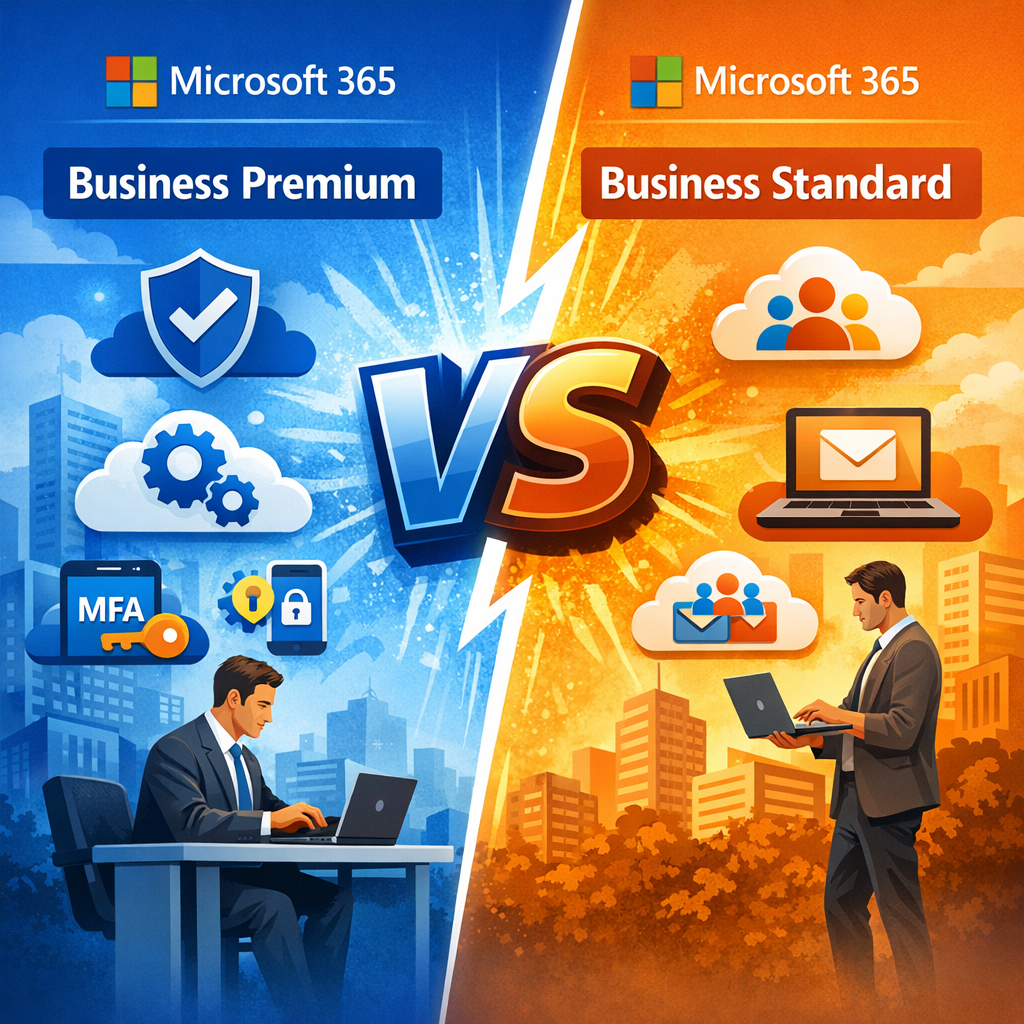
If your business mainly needs Office apps, business email, cloud storage, and collaboration tools, Business Standard is often enough. If you also need advanced security, conditional access, device management, endpoint protection, and better control over sensitive data, Business Premium is usually the better fit.
In simple terms:
- Business Standard = productivity-first
- Business Premium = productivity plus security and management
For many organisations, the best answer is not all one or all the other. It is a smart mix of licences based on role, risk, and business needs. If you are still reviewing the wider Microsoft ecosystem, you may also find our Office 365 overview useful.
Business Standard vs Business Premium: Quick Snapshot
As of May 2026, Microsoft 365 Business Standard is £11.52 per user per month and Microsoft 365 Business Premium is £20.28 per user per month, excluding VAT. That means Business Premium costs roughly 76% more per user. These prices are where you commit to a monthly contract only. Lower prices are available when you commit to an annual contract.
Both Microsoft 365 business plans are designed for organisations with up to 300 users per tenant.
You can check the latest plan details on the official Microsoft 365 business plans and pricing page (be sure to select the monthly option if you don’t want to commit to a lengthy contract)
Quick Comparison
- Price per user/month: Business Standard £11.52; Business Premium £20.28
- User limit: Both support up to 300 users
- Desktop Office apps: Included in both
- Web based Office apps: Included in both
- Business class email: Included in both
- OneDrive storage: 1 TB per user in both plans
- Microsoft Teams: Included in both
- SharePoint: Included in both
- Intune: Not included in Standard; included in Premium
- Entra ID P1: Not included in Standard; included in Premium
- Conditional access: Not included in Standard; included in Premium
- Microsoft Defender for Business: Not included in Standard; included in Premium
- Device management: Limited in Standard; included in Premium
- Best fit: Standard suits productivity-focused teams; Premium suits security-conscious and regulated teams
What Each 365 Business Plan Includes
Microsoft 365 business plans are built around a shared core. Both Business Standard and Business Premium include the main Office apps, cloud services, and business email features most firms expect.
Core Apps in Standard and Business Premium
Both Microsoft 365 Business Standard and Microsoft 365 Business Premium include:
- Outlook
- Word
- Excel
- PowerPoint
- OneNote
- Teams
- Exchange
- SharePoint
- OneDrive
Users get desktop versions, mobile versions, and web apps for the main Office apps. That means both plans support teams that want to work across laptops, mobiles, and browsers.
If your business is moving from older Office licensing, our guide on moving from Microsoft Office to Microsoft 365 explains the broader shift.
Cloud Services Included
Both plans also include:
- Business email through Exchange Online
- Cloud storage through OneDrive
- File sharing and collaboration through SharePoint
- Microsoft Teams for chat, calls, and meetings
- Tools such as Microsoft Forms for day-to-day business use
Each user gets 1 TB of cloud storage in OneDrive.
If your business is planning a document migration, you may also want to read our guide on how to migrate to SharePoint.
Where Business Basic Fits
If you are comparing plans, Business Basic is the lightweight alternative. It is aimed at occasional users or businesses that only need web-based Office apps, business email, Teams, and cloud services without desktop office apps.
So if you are also asking, what is the difference between Microsoft 365 Business Basic and Standard license? the short answer is this:
- Business Basic gives you web apps and cloud services, but not the full desktop apps
- Business Standard adds desktop Office apps and is better for regular daily users
Deep Dive: Business Standard Capabilities
Microsoft 365 Business Standard is built for teams that want strong productivity tools without the extra cost of advanced security and device management capabilities.
Office Apps and Day-to-Day Productivity
Microsoft 365 Business Standard includes full desktop apps and web-based Office apps. That matters if your users create reports in Word, build spreadsheets in Excel, present in PowerPoint, and manage email in Outlook every day.
For many organisations, those core apps are the main reason to choose Microsoft 365 business in the first place. You get familiar productivity tools that help teams work smarter without a heavy learning curve.
Collaboration Tools for Busy Teams
Business Standard includes strong collaboration tools, especially for teams that work across offices or home locations. Microsoft Teams, SharePoint, and OneDrive support:
- real-time file sharing
- co-authoring
- internal chat
- video meetings
- shared document libraries
That makes Microsoft 365 Business Standard a solid option for sales teams, admin teams, operations teams, and professional services businesses that need business email, collaboration tools, and cloud storage more than advanced security features.
What Business Standard Does Not Include
This is where the gap appears.
Microsoft 365 Business Standard does not include:
- Intune
- Entra ID P1
- conditional access
- centralised device management
- Microsoft Defender for Business
- the broader information protection and compliance tools included in Business Premium
That means Business Standard can handle productivity very well, but it gives you fewer ways to enhance security, manage devices, and restrict access based on risk.
Deep Dive: Business Premium Security and Management
Microsoft 365 Business Premium includes everything in Business Standard, then adds advanced security, access management, endpoint management, and stronger protection for sensitive information.
This is why many organisations upgrade.
Entra ID P1 and Conditional Access
Microsoft 365 Business Premium includes Entra ID P1, which brings advanced identity and access management features.
The most important is conditional access.
Conditional access lets you create rules such as:
- require multi factor authentication for all users
- restrict access from unknown countries
- block sign-ins from non-compliant devices
- require stronger checks for admins
- limit access to sensitive data from unmanaged devices
These conditional access policies help secure access without treating every user and device the same. That is a major difference in standard and business premium.
Intune and Device Management
Business Premium also includes Intune, which gives you central device management across Windows, macOS, iOS, and Android.
With Intune, your IT team can:
- enrol business laptops and mobiles
- apply security settings
- push apps to users
- enforce app management rules
- manage updates
- remote wipe lost or stolen devices
- prepare new devices with Autopilot
- separate work data from personal data
For businesses with remote staff, hybrid work, BYOD, or compliance pressure, these device management capabilities are often the reason to choose Microsoft 365 Business Premium.
If a staff member loses a laptop or phone, Business Premium helps reduce risk from lost or stolen devices through remote wipe, policy enforcement, and better user management.
Microsoft Defender for Business
Microsoft Defender is another major reason many organisations move from business standard vs premium.
Microsoft 365 Business Premium includes Microsoft Defender for Business, plus stronger email protection through Microsoft Defender for Office 365 Plan 1. These tools support:
- endpoint protection
- anti malware controls
- phishing attacks detection
- advanced protection against cyber threats
- automatic spam and malicious link filtering
- threat intelligence and incident visibility
Business Standard does not include that same level of built-in advanced cyberthreat protection. If security is a growing concern, our article on what Office 365 security includes explains the risks and protections in more detail.
Microsoft Purview and Information Protection
Business Premium also adds stronger Microsoft Purview features, including Microsoft Purview Information Protection and data loss prevention capabilities.
These tools help you:
- identify sensitive information
- classify files and emails
- apply labels
- restrict sharing
- support ensuring compliance
- reduce accidental exposure of sensitive data
You may still hear some people refer to this as Azure Information Protection. The naming has evolved, but the core goal remains the same: better information protection for business email, documents, and files.
For regulated sectors, legal firms, healthcare providers, and finance teams, this matters. If you handle sensitive data, Microsoft 365 Business Premium is usually the safer choice.
Assessing Your Business Needs
The right plan depends on role, risk, and workflow.
When Business Standard Is the Better Fit
Choose Microsoft 365 Business Standard when users mainly need:
- office apps
- business email
- Microsoft Teams
- cloud storage
- collaboration tools
This often suits internal admin staff, desk-based teams, and lower-risk roles.
When Business Premium Is the Better Fit
Choose Microsoft 365 Business Premium when you need:
- advanced security
- device management
- conditional access
- endpoint management
- compliance tools
- stronger protection for sensitive information
This usually suits remote teams, leadership, finance, HR, regulated users, and anyone handling sensitive data.
Mixed-Plan Licensing Scenarios
A mixed licence model is often the smartest option.
Example:
- Front-line admin and lower-risk office users: Business Standard
- Directors, finance, HR, remote staff, and high-risk users: Business Premium
This gives cost control without dropping key security features where they matter most.
Migration, Implementation, and Ongoing Management
If you are moving to Microsoft 365 or changing your licence mix, plan the rollout properly.
Suggested Migration Steps
- Review current email, files, and devices
- Define user groups and role-based licensing
- Confirm whether Business Basic, Business Standard, or Business Premium fits each role
- Migrate email and files in phases
- Set a security baseline during rollout
- Configure MFA and conditional access
- Enrol devices into Intune where needed
- Deliver user training
- Create governance rules for sharing, access, and app use
- Review after 30 days
A smooth transition depends on planning, user communication, and testing.
Quick Checklist: Choose Between Business Standard vs Premium
Ask these questions:
- Do you need centralised device management?
- Do users handle sensitive data?
- Do you need advanced email protection?
- Do you need compliance tools?
- Do you need secure access for remote users?
- Do you want to restrict access by location or device state?
- Do you need protection for lost or stolen devices?
- Are you trying to work smarter with better security, not just more apps?
If the answer is yes to several of those, Business Premium is probably the better fit.
FAQs
What is the difference between Microsoft 365 Business Standard and Business Premium
Business Standard focuses on productivity tools, business email, office apps, and collaboration tools. Business Premium includes all of that, plus advanced security, conditional access, Intune, Microsoft Defender, access management, and broader information protection.
What are the benefits of Microsoft 365 Business Premium?
The main benefits of Microsoft 365 Business Premium are advanced security, device management, endpoint protection, stronger control over sensitive data, better support for remote work, and improved compliance tools.
What is the difference between Microsoft 365 Business Basic and Standard licence?
Business Basic includes web apps, Microsoft Teams, business email, and cloud services, but not the full desktop apps. Business Standard adds desktop office apps and is better for regular daily users.
Why upgrade to M365 Business Premium?
Upgrade to Business Premium if your business needs to enhance security, manage devices centrally, protect sensitive information, support hybrid work, or meet tighter compliance requirements.
Final Recommendation and Next Steps
If you are still unsure, do not roll out one plan to everyone blindly. Start with a 30-day pilot.
A smart pilot usually includes:
- high-risk users
- remote workers
- finance or HR teams
- one or two admin roles
- test devices for Intune enrolment
- baseline conditional access and MFA policies
Measure the results against security, usability, support load, and total cost.
If you need help comparing Microsoft 365 business plans, planning migration, or setting up Business Premium properly, contact a certified Microsoft partner. The right partner can help you choose the licence mix, configure security features, and avoid paying for the wrong tools.
Need Help Choosing the Right Microsoft 365 Plan?
Choosing between Microsoft 365 Business Standard and Business Premium is not just about cost. It is about balancing productivity, security, compliance, and long-term business growth.
If you are unsure which licences your users need, ESP Projects can help. Our team can review your current setup, identify security gaps, recommend the right licence mix, and help you roll out Microsoft 365 securely and efficiently.
Whether you are migrating from another platform, improving remote working security, or planning a full M365 deployment, your IT Support Provider (or us!) can help you build a setup that works for your business now and as it grows.
Contact ESP Projects today to arrange a Microsoft 365 review and find the right solution for your business. ESP is based in the heart of Sheffield, but we are able to offer services nationally.