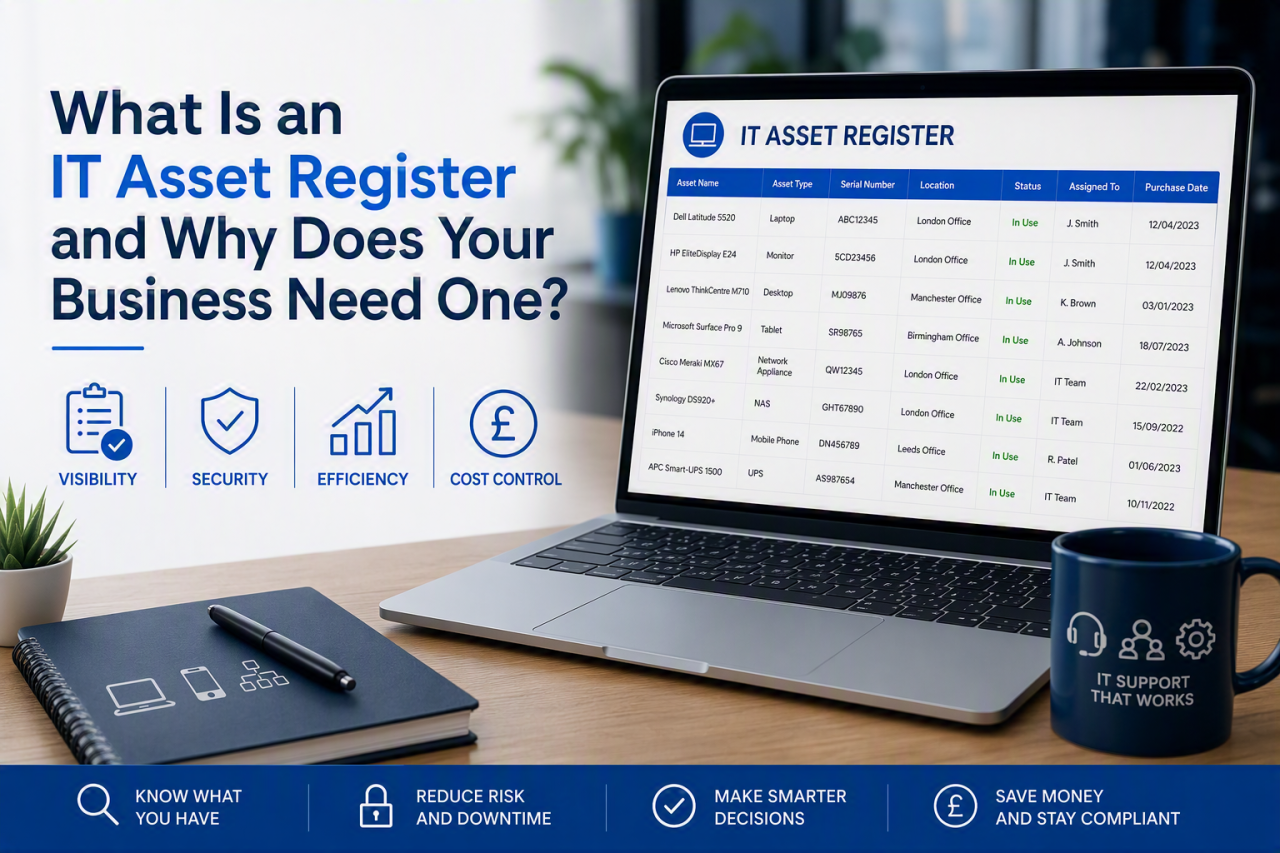
An IT asset register is a central record of the technology your business owns, uses or pays for. It usually includes laptops, desktops, servers, mobile devices, network equipment, software licences, cloud subscriptions, warranties and support contracts.
In practical terms, it tells you what you have, where it is, who is responsible for it, what it costs and when it needs to be updated, renewed or replaced. For SMEs, that visibility supports stronger security, more accurate budgeting and smoother employee onboarding and offboarding.
This guide explains what an IT asset register should contain, who should manage it, the risks of not having one and how to create a useful register without introducing unnecessary administration.
Why Does Your Business Need an IT Asset Register?
You cannot secure, support or budget for technology that you cannot see. When asset information is spread across invoices, spreadsheets, supplier portals and individual employees, important details are easily missed.
A reliable IT asset register gives the business one agreed view of its technology estate. It can help you identify:
- devices that are no longer supported or covered by warranty
- equipment that is missing, unused or still assigned to former employees
- software licences that are underused or due for renewal
- devices that are not receiving security updates
- duplicate subscriptions and avoidable costs
- hardware that needs to be included in future budgets
What Is the Difference Between an IT Asset Register and a Fixed Asset Register?
A fixed asset register is mainly an accounting record. It normally includes assets such as equipment, vehicles and property, together with purchase values and depreciation information.
An IT asset register is more operational. It records the technical and management information needed by IT, finance, HR and business leaders. This can include serial numbers, assigned users, warranty dates, operating systems, software versions, security status and expected replacement dates.
Which IT Assets Should You Track?
Your register should include any technology that affects operations, security, cost or access to business data.
Hardware
Track laptops, desktops, servers, monitors, printers, switches, routers, firewalls, wireless access points and meeting-room equipment. Include devices used by remote and hybrid workers, not just equipment kept in the office.
Mobile Devices
For business phones and tablets, record the assigned user, serial number and device-management status.
Software and Licences
Include operating systems, Microsoft 365 subscriptions, security software, finance systems, CRM platforms and specialist applications. Record how many licences have been purchased, how many are in use and when the agreement renews.
Cloud Services and Online Platforms
Record hosted servers, backup services, domains, web hosting, SaaS applications and shared administrative accounts.
Warranties and Support Agreements
Link warranties, maintenance contracts and support agreements with the equipment or service they protect. This helps avoid unnecessary repair costs and highlights assets that are approaching the end of support.
What Information Should an IT Asset Register Include?
A useful register normally includes the following fields:
- a unique asset ID
- asset type, make and model
- serial number or service identifier
- purchase date and supplier
- purchase cost, where required
- location and assigned user
- operating system or software version
- warranty or support expiry date
- security and device-management status
- lifecycle status, such as active, spare, under repair or retired
- expected replacement date
- disposal date and disposal method
Every field should support a real process or decision. A smaller register kept current is more valuable than a detailed but unreliable one.
How Does an Asset Register Improve Cyber Security?
Most security controls depend on knowing which devices, systems and accounts exist. An unknown laptop, forgotten administrator account or unsupported server may sit outside normal patching, monitoring and backup processes.
An asset register helps the business confirm which devices should receive updates, endpoint protection, encryption and management policies. It also supports checks for unsupported software, unapproved devices and unnecessary access.
The National Cyber Security Centre’s Small Business Guide provides practical advice on protecting devices, accounts and backups.
Asset information is also valuable when preparing for Cyber Essentials certification, because the business needs a clear understanding of the devices, software and services included within scope.
How Can an Asset Register Reduce IT Costs?
A reliable register shows where money is being spent and where value is being lost. It can reveal unused software licences, duplicated subscriptions, unassigned equipment and hardware that is being replaced earlier than necessary.
For hardware, the register supports a planned replacement cycle. Instead of waiting for several ageing devices to fail at the same time, you can phase purchases across future budgets. This can be supported by a wider IT health check that identifies technical risks and upcoming investment needs.
How Does It Support Employee Onboarding and Offboarding?
Every device issued to an employee should be recorded against that person. When somebody joins, the register helps confirm which laptop, phone, software licences and security tools have been assigned.
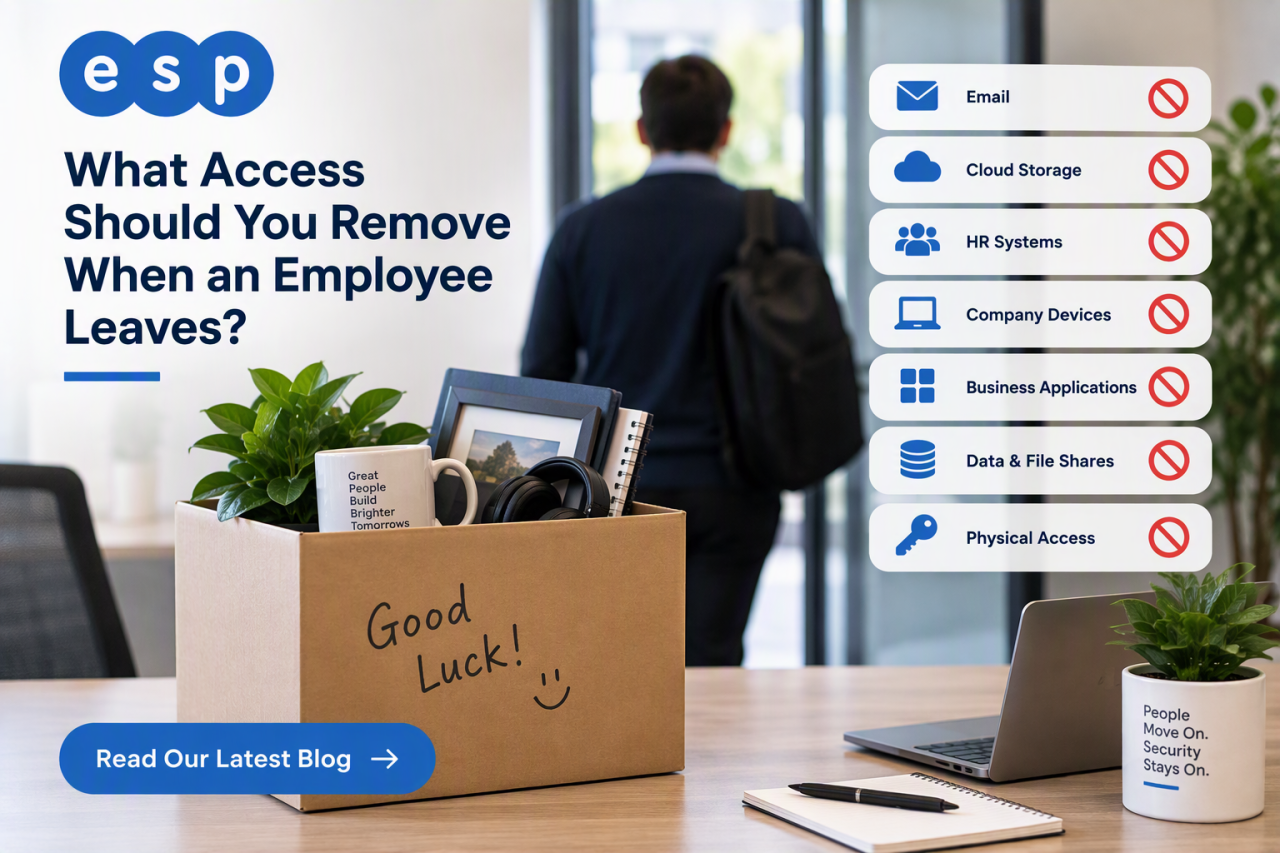
When somebody leaves, the same record helps recover equipment, remove access and reassign licences.
ESP Projects’ guide to the role of IT in onboarding new employees explains how preparation affects security, productivity and a new starter’s experience.
Who Should Maintain the IT Asset Register?
One person or team should own the process, even when several departments contribute information.
IT will usually manage technical details, device assignments and lifecycle status. Finance may own purchase values and accounting information. HR and line managers should notify IT when employees join, move roles or leave.
Document these responsibilities clearly so ownership does not fall between departments.
Can a Small Business Use a Spreadsheet?
Yes. A spreadsheet may be sufficient for a small organisation with a limited number of devices and one named owner. It is inexpensive, flexible and quick to create.
As the business grows, spreadsheets can create duplicate copies, inconsistent naming and weak audit trails. Dedicated software may be better for multiple sites, remote workers or a larger device estate, especially where automated discovery is available. One such example of this is CORE Software’s Asset Tracking Software, which is a simple tool that allows a business to track their assets throughout their life cycle.
How to Create an IT Asset Register
1. Define the Scope
Decide what will be included. Start with business-owned devices, critical software and recurring cloud services rather than trying to record every cable and accessory.
2. Gather Existing Information
Use purchase records, supplier portals, finance data, device-management systems and physical checks.
3. Agree Standard Categories
Use consistent names for asset types, locations, departments and statuses. Standard categories make searching, reporting and auditing much easier.
4. Assign Each Asset
Record the person, team or site responsible for each item. Physical labels or barcodes can make equipment easier to identify during checks.
5. Review Security and Support Status
Use the initial inventory to identify unsupported operating systems, expired warranties, unmanaged devices and software that is no longer required.
6. Record the Whole Lifecycle
Update the register when an asset is purchased, assigned, transferred, repaired, placed in storage or disposed of. Retired equipment should be removed from active reports while retaining an appropriate disposal record.
How Often Should an IT Asset Register Be Updated?
Update the register whenever something changes, including purchases, staff changes, repairs, moves and disposals. Complete a formal review at least annually, or quarterly where equipment and staff change frequently.
Common IT Asset Register Mistakes
The most common mistake is treating the register as a one-off project rather than an ongoing process.
Other frequent problems include:
- tracking hardware but ignoring software and cloud services
- failing to remove disposed, lost or stolen equipment
- using inconsistent asset names and locations
- not recording assigned users
- maintaining several conflicting spreadsheets
- collecting more detail than the business can maintain
- failing to connect the register with starter and leaver processes
What Reports Should You Produce?
A register becomes valuable when it supports decisions. Useful reports include:
- devices approaching warranty expiry
- hardware due for replacement within 12 months
- unused or unassigned equipment
- software licences approaching renewal
- unsupported operating systems or applications
- assets assigned to employees who are leaving
- equipment grouped by site, department or user
Frequently Asked Questions
What is the purpose of an IT asset register?
Its purpose is to provide one reliable record of the technology a business owns, uses or pays for. It supports security, budgeting, maintenance, licence management, employee offboarding and audit preparation.
Is an asset register required for Cyber Essentials?
Cyber Essentials requires the organisation to understand the devices, software and services included within the assessment scope. A well-maintained register is a practical way to organise that information, although the register itself does not replace the certification process.
What is the difference between an IT asset and an information asset?
An IT asset is usually a device, application, platform or service. An information asset is the data or knowledge the organisation needs to protect. The two are closely connected because information is stored, processed and accessed through IT systems.
Who should maintain the register?
A named IT owner should normally maintain the operational record, with finance, HR and departmental managers responsible for supplying relevant updates.
Build an Accurate IT Asset Register With ESP Projects
Start with critical devices, users, software and cloud services, then introduce a simple update process.
ESP Projects can help you identify devices, review technology risks and build a practical asset-management process as part of wider IT services and support.
Book a consultation with ESP Projects to review your IT estate and identify the information your business needs to manage it effectively.