Less time dealing with IT. More time supporting your community.
Keep your staff and volunteers working, protect sensitive information and make your IT budget go further. ESP Projects provides charity IT support built around the way your organisation works, with straightforward pricing based on the people who need support.
Supporting charities and third-sector organisations since 2002.
Discuss your charity’s IT support
Prefer to talk? Call 0330 202 0101.
IT support that understands how charities work
When IT problems land with your charity manager or finance team, they take time away from delivering services. We give your people somewhere to turn for help, alongside practical advice on budgets, access and technology.
- Keep your team working: get help with email, devices, shared files and everyday IT problems.
- Manage staff and volunteer access: give people the access they need and remove it when they leave.
- Make your budget go further: review unused subscriptions, suitable existing equipment and eligible nonprofit offers.
- Protect important information: agree appropriate security and backup arrangements for donor, beneficiary and operational data.
What’s included in our Unlimited Charity IT Support package?
Our package gives your charity an experienced support team without having to manage every IT issue internally. Your proposal sets out the supported users, systems, locations and service responsibilities.
Unlimited remote and on-site support
Get help with day-to-day IT issues by telephone, email or live chat. Remote support and necessary on-site assistance are included within your agreed support scope, without a limit on support hours used or the number of support requests.
Standard support hours are 9am to 5.30pm, Monday to Friday, excluding bank holidays. Tell us if your charity needs additional cover so we can quote for it separately.
Microsoft 365 and user administration
We help with email, accounts, permissions and Microsoft 365 administration, including routine joiner and leaver tasks. Software subscriptions are itemised separately, so you can see the difference between support costs and licence costs.
Maintenance and system oversight
We help identify recurring faults and maintain the systems covered by your agreement. Your proposal explains the monitoring, updates and patch management included across your support and security packages.
Account management and planning
Your account manager helps you review priorities, plan improvements and understand upcoming costs. Where an issue involves another supplier, we can help coordinate troubleshooting within the agreed service scope.
Clear inclusions and separate charges
“Unlimited” applies to support for the users and systems covered by your agreement. It does not mean every product or future project is included.
Your proposal separately identifies security packages, backup services, software licences, replacement equipment, onboarding, out-of-hours cover and project work where applicable. Specialist application support and third-party responsibilities are agreed at the outset.
Straightforward pricing for your charity
Our ongoing support pricing is based on the people who need support, rather than a separate support charge for every device or office. We agree the users, systems and locations covered before the service begins.
Tell us about your full-time and part-time employees, volunteers and trustees. We will explain how each group is treated in your quote, including people who only need limited access or email support.
You can view our general IT support pricing, but contact us for charity-specific pricing and any applicable discounts. Your written proposal separates recurring support, security, licences and one-off charges, with VAT clearly identified.
Discuss your charity’s IT support
Make more of Microsoft 365 and your IT budget
Eligible charities may qualify for Microsoft nonprofit grants or discounted subscriptions. We check current eligibility, available offers and the requirements of different users before recommending licences.
Our Microsoft 365 services can help with setup, migration, permissions and administration. We also review whether you are paying for unused licences or features your team does not need.
The right plan depends on how people work, including their need for desktop applications, secure collaboration and device management. Free or discounted licences remain subject to Microsoft’s current programme terms; not every organisation or user qualifies for every offer.
We can also help define equipment and software requirements for funding applications. Funding is not guaranteed, but a clear technical plan makes it easier to understand costs and priorities.
Practical security and backup for sensitive information
Your charity may hold donor details, financial records or sensitive information about the people you support. We help you choose proportionate protection based on your systems, working arrangements and risks.
Security that fits your organisation
We offer three security packages with different levels of protection. Depending on the package and agreed scope, services can include account protection, endpoint security, patch management, email filtering, monitoring and user awareness training.
We explain the options and costs so you can make an informed decision. Security products and services are shown separately from the support fee.
Backup and recovery
We help you understand what is backed up, what is excluded and how information can be restored. Backup requirements, retention and recovery priorities should be agreed before an incident, rather than assumed to be covered by a software subscription.
Cyber Essentials and data protection
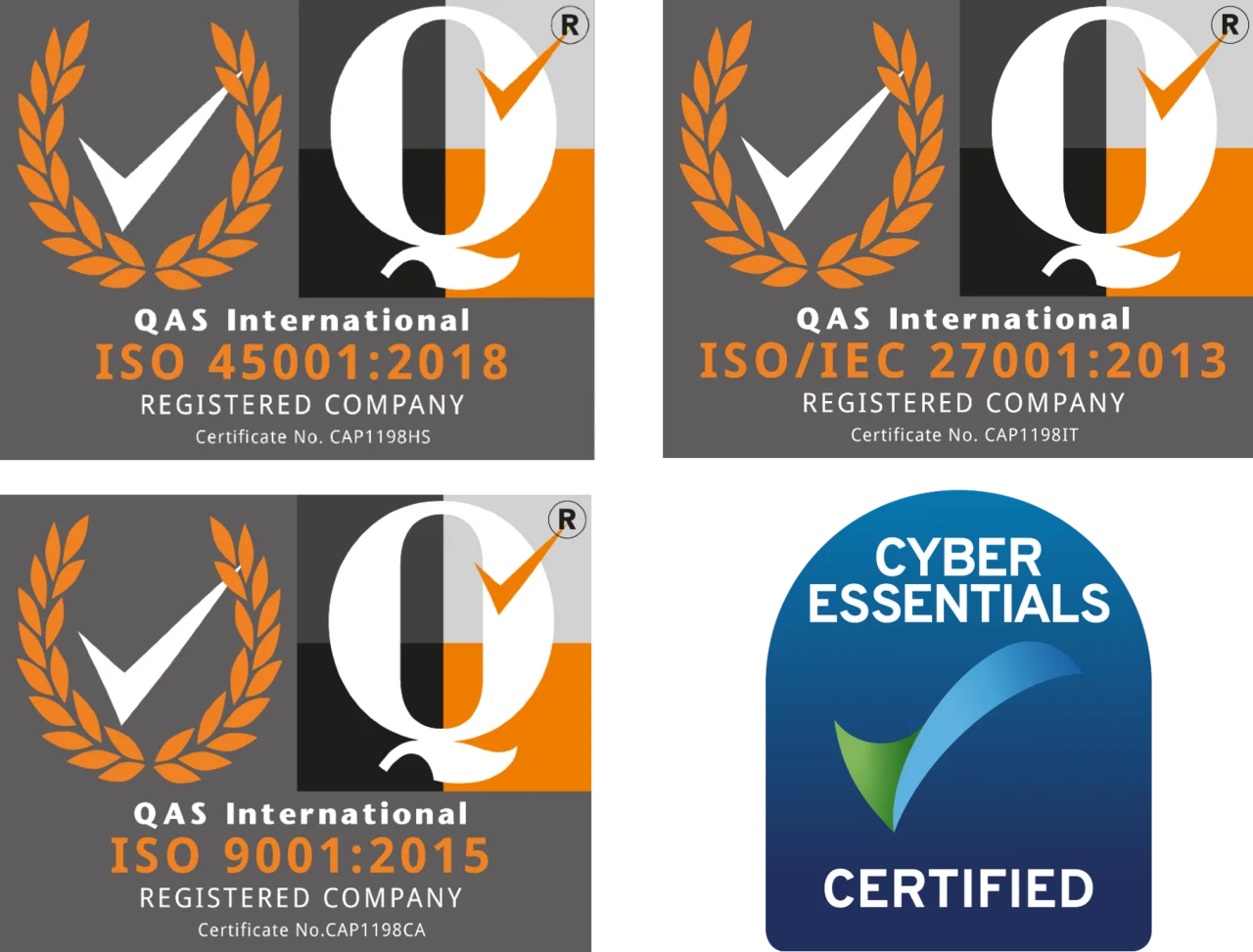
Our Cyber Essentials services can help you understand the scheme and prepare for assessment. Certification may be requested by a funder or contract, but it is not a universal requirement for charities.
Technical support can assist with access controls, storage and security, but it does not guarantee legal compliance or replace specialist data protection advice. Your charity remains responsible for its decisions about collecting, using and retaining personal information.
Where ESP processes personal data on your behalf, the service arrangements should include appropriate controller–processor contract terms, often referred to as a data processing agreement, reflecting the services and each party’s responsibilities.
Moving your charity’s IT support to ESP
Changing provider starts with understanding what you already have, not assuming you need to replace it.
1. Discuss your needs
Tell us about your team, current provider, systems and recurring problems. We agree the support scope and provide a proposal showing ongoing costs and any onboarding or project charges.
2. Plan the handover
We agree an onboarding timetable, request the necessary information and access from your existing provider, and explain how your users will contact ESP. Timing depends on your environment and the cooperation of other suppliers.
3. Review your systems
Our onboarding includes an engineer visit and assessment to identify priorities and install the agreed management and security tools.
4. Agree a practical improvement plan
We explain our findings and develop a roadmap aligned with your charity’s priorities and budget. Necessary improvements are distinguished from optional projects so you can plan spending.
Local support with charity-sector experience
ESP Projects was established in Sheffield in 2002, initially supporting charities and other third-sector organisations. That experience informs our approach to restricted budgets, nonprofit licensing and teams made up of employees, volunteers and trustees.
We provide clear advice, explain responsibilities and work with the systems you already have before recommending changes. If you have an internal IT contact, we can discuss how our team could support them.
Responsible reuse and recycling
We support responsible reuse and recycling of unwanted IT equipment through our relationship with Aspire Sheffield, which refurbishes and recycles technology while creating opportunities in the local community.
Equipment containing personal or confidential information needs appropriate data handling before reuse or disposal. Read more about our approach to green IT support.
Frequently asked questions
Can you take over from our existing IT provider?
Yes. We plan the handover around your accounts, devices, suppliers and current support arrangements. We agree responsibilities and a realistic timetable, including the information required from your outgoing provider.
How are volunteers and part-time staff counted?
We review the support and access each group needs rather than assume everyone requires the same arrangement. Your quote explains how full-time staff, part-time staff, volunteers and trustees are treated. It also identifies any limited-access or email-only arrangements agreed for your charity.
Is on-site support included?
Yes. Necessary on-site assistance is included for issues within your agreed support scope. New installations, replacement equipment and project work may be charged separately. Your proposal explains the locations, hours and exclusions that apply.
Can you work alongside our internal IT person?
We can discuss a shared arrangement with your internal IT contact. We agree who handles day-to-day requests, administration, security tasks and escalation so responsibilities remain clear.
What is included in the monthly fee?
Your support fee covers the agreed day-to-day support service. The proposal separately identifies security, backup, licences and any other recurring services, along with onboarding or project charges where applicable.
What happens when we first become a customer?
We introduce the team, agree the onboarding timetable, gather system information and arrange the necessary access. An engineer assesses your environment and installs the agreed tools. We then explain the findings and agree priorities for your IT roadmap.
Can charities get free Microsoft 365?
Some eligible nonprofits may qualify for grants or discounted subscriptions. The available products and user eligibility vary. We check the current programme before recommending a plan, so your budget does not rely on an offer your charity or its users cannot access.
Do charities need Cyber Essentials?
Not every charity is required to hold it. A funder, commissioner or contract may request certification. We can help you understand the requirements and the technical work needed to prepare.
Can you support small charities?
Yes. We can discuss support for small teams, including employees, volunteers and trustees. The service and quote reflect the people, systems and support arrangements your charity needs.
Discuss your charity’s IT support
Get a clearer picture of your support options, costs and next steps.
Tell us about your team, your current IT arrangements and what you would like to improve. We will discuss the practical options and provide a proposal setting out the recommended services and charges.
Discuss your charity’s IT support
Or call 0330 202 0101.
als are second-to-none versus other IT providers in Sheffield too. You can find out more from our article here Green IT Support.