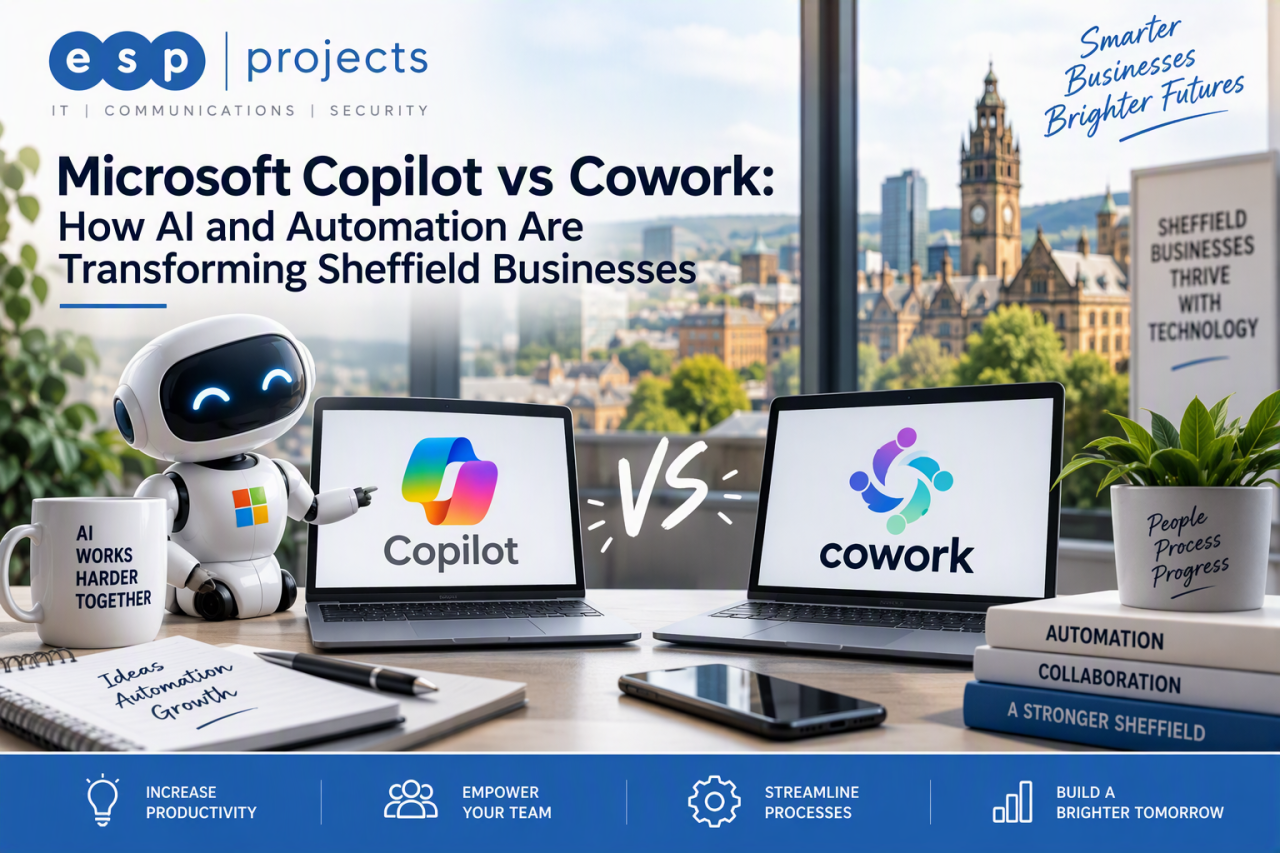
Customers ask: What is Microsoft Copilot?
Microsoft Copilot is an AI-powered work assistant within the Microsoft 365 environment. It can help people find information, draft and improve content, summarise meetings and emails, analyse data and work more efficiently across familiar applications such as Word, Excel, Outlook, Teams and PowerPoint.
- Draft and refine emails, reports and proposals
- Summarise meetings, conversations and documents
- Prepare presentations and analyse business information
- Generate ideas, plans and first drafts more quickly
- Use permitted organisational context to make responses more relevant
Customers ask: What is Copilot Cowork?
Copilot Cowork is an action-orientated part of the Microsoft Copilot experience. Instead of only answering a question or producing a draft, Cowork can plan and carry out multi-step work across Microsoft 365. It shows the steps it is taking and keeps the user in control through review and approval points.
In simple terms: Copilot helps you think, create and understand. Cowork helps you delegate and complete a wider outcome.
Customers ask: What is the main difference between Copilot and Cowork?
The difference is primarily the depth of the task. Copilot is ideal when you want a fast answer, a summary, a draft or support inside your flow of work. Cowork is designed for complex, multi-stage tasks that may cross applications, information sources and actions. Microsoft Learn: Copilot Cowork overview
| Area | Copilot | Copilot Cowork |
| Best suited to | Questions, drafting, summaries and analysis | Delegated, multi-step outcomes |
| Working style | Interactive assistance | Plans, acts and reports progress |
| Scope | A focused task or conversation | Work spanning apps, files and data |
| Control | You review the response | You can review steps and approve actions |
| Typical result | An answer, insight or draft | A completed or coordinated deliverable |
Customers ask: How do Copilot and Cowork integrate?
Cowork sits within the wider Microsoft Copilot experience, so businesses do not need to treat them as disconnected tools. A user can explore an idea or create an initial direction with Copilot, then use Cowork to coordinate the next stages across Microsoft 365. Both can draw on the context made available through Microsoft 365 and Work IQ, subject to the user’s access and the organisation’s controls.
A practical example for a Sheffield business
A Sheffield manufacturer could use Copilot to review notes from customer meetings, identify recurring service issues and draft an improvement plan. Once the approach has been agreed, Cowork could be asked to build the supporting documents, prepare communications, organise follow-up activity and propose meetings. The team still reviews important outputs and approves actions, but far less time is spent manually moving information between systems.
Customers ask: Does this replace traditional automation?
Not necessarily. Traditional automation remains valuable for predictable, rules-based processes. Copilot adds natural-language assistance and reasoning, while Cowork can coordinate more flexible, multi-step work. The strongest AI strategy often combines Copilot, Cowork, established workflows and human oversight rather than forcing every process into one tool.
Customers ask: What business results could this support?
The opportunity is not simply to generate more content. Used well, AI and automation can reduce repetitive administration, shorten the time between a request and an outcome, improve consistency and help teams find relevant information more quickly.
- Sales: research, account preparation, proposals and follow-up
- Operations: reporting, document production and recurring coordination
- Customer service: case summaries, response preparation and trend analysis
- Management: briefings, meeting preparation and action tracking
- Marketing: research, campaign planning and content repurposing
Customers ask: Is our Microsoft 365 environment ready?
AI can make existing information easier to discover, so readiness matters. Before a broad deployment, review SharePoint and Teams permissions, file ownership, external sharing, data classification, retention, identity security and acceptable-use policies. Good governance is not a barrier to AI adoption. It is what allows AI for business to scale with confidence.
Customers ask: What about licensing and cost control?
Copilot Cowork requires appropriate Microsoft Copilot access, must be enabled in the organisation’s environment and uses usage-based billing. Availability and commercial terms can change, so businesses should confirm current licensing, billing and administrative controls before deployment. Start with clearly defined use cases, assign owners and review value against usage.
Customers ask: How should a business get started?
Begin with a small number of measurable use cases rather than a company-wide collection of vague experiments. Select processes that are repetitive, information-heavy and easy to review. Establish a baseline, train users, maintain human approval for important actions and expand only when the results are useful and repeatable.
- Assess Microsoft 365 permissions and data readiness
- Choose two or three valuable use cases
- Define success measures and responsible owners
- Train staff in prompting, review and safe AI use
- Pilot with a controlled group of AI champions
- Review quality, adoption, risk and consumption before scaling
Customers ask: How can ESP Projects help?
ESP Projects helps organisations in Sheffield and across the UK prepare for and adopt Microsoft 365 AI. The work should go beyond buying licences. It can include AI readiness, Microsoft 365 security and permissions, governance, Copilot deployment, staff training, workflow discovery and ongoing IT support.
For wider technology support, visit our IT Support Sheffield page. For advice tailored to your organisation, speak to ESP Projects about a practical AI and automation roadmap.
Frequently asked questions
Is Copilot Cowork replacing Microsoft Copilot?
No. Cowork extends the Copilot experience towards delegated, multi-step execution. Copilot remains valuable for questions, drafting, summarisation, analysis and day-to-day assistance.
Can small and medium-sized businesses use Copilot Cowork?
Yes, where the required Microsoft 365 licensing, enablement and usage-based billing are in place. SMEs should begin with controlled use cases and clear cost oversight.
Can Cowork send emails or schedule meetings?
Microsoft describes Cowork as able to take actions across Microsoft 365, including communications, documents and calendar activity. Users can review the work and approve actions before they are applied.
Is Copilot Cowork secure?
For work accounts, Cowork operates within the Microsoft 365 environment and organisational controls remain important. Security also depends on sound permissions, governance, identity protection and responsible configuration.
Does our data train public AI models?
Microsoft states that Microsoft 365 Copilot customer data is protected under its enterprise commitments. Organisations should still review Microsoft’s current product terms and their own compliance requirements before deployment.
What is the best first AI automation project?
Choose a high-volume, low-risk process with a clear owner and measurable baseline, such as recurring management briefings, meeting follow-up or document preparation.
Can ESP Projects support businesses outside Sheffield?
Yes. ESP Projects is based in Sheffield and supports organisations locally and across the UK with Microsoft 365, AI readiness, Copilot adoption, automation and managed IT support.
Ready to explore AI for your business?Talk to ESP Projects about Copilot, Cowork, AI readiness and business automation. We will help you identify practical opportunities, prepare Microsoft 365 and build a sensible route from pilot to wider adoption. Contact Us to find out more. |