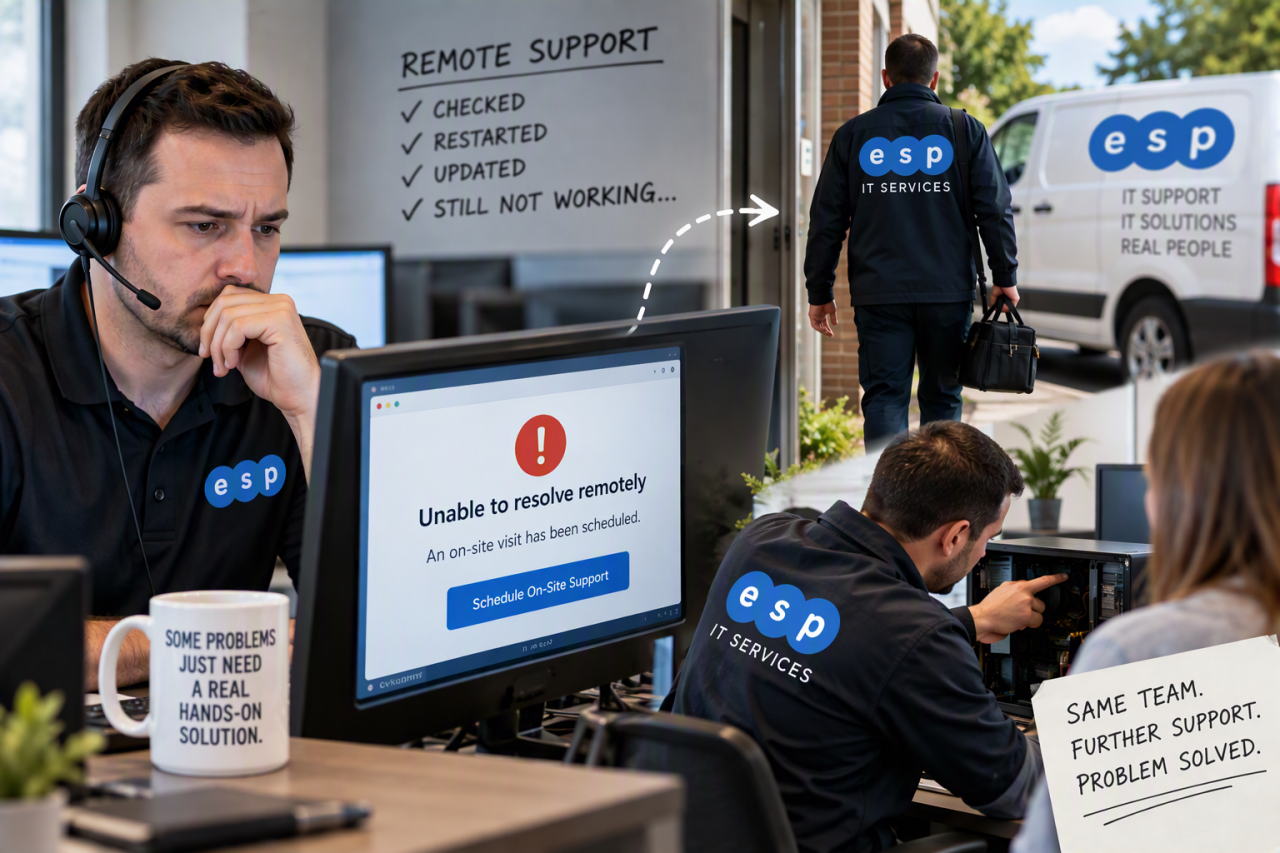
When remote IT support cannot resolve a problem, the next step should be a clear escalation process rather than more of the same troubleshooting. Depending on the fault and your support agreement, that may mean an on-site engineer, replacement hardware, escalation to a specialist or third-party supplier, or a temporary workaround that keeps the business operating while a permanent fix is arranged.
Remote support is ideal for software, configuration and access problems, but it cannot replace failed hardware or repair damaged infrastructure. This guide explains where remote support ends, what escalation should look like and what your support contract should cover.
What Can Remote IT Support Usually Fix?
Remote support allows an authorised technician to diagnose and work on a computer or service without travelling to your premises. For many businesses, it is the fastest way to deal with routine IT problems because an engineer can begin investigating as soon as the ticket is picked up.
Typical remote fixes include:
- Password, account and access problems
- Microsoft 365 and email configuration
- Application errors and software settings
- Printer, network and performance issues
- Software and operating system updates
- Malware investigation and endpoint alerts
A provider delivering IT support in Sheffield should normally begin with remote triage because it avoids unnecessary travel and helps establish whether the problem is actually software, hardware, connectivity or a third-party service.
What Happens When Remote Support Reaches Its Limit?
Once a technician has enough evidence that remote support cannot resolve the issue, the ticket should move into an agreed escalation process.
The escalation may lead to one of four outcomes
- On-site support: an engineer attends because physical work is required.
- Hardware replacement: a faulty laptop, drive, power supply or other component needs replacing.
- Specialist or vendor escalation: the issue sits with an internet provider, software vendor, hardware manufacturer or another specialist.
- A temporary workaround: the provider restores productivity first, then completes the permanent repair later.
This is why the wording of your IT support SLA matters. An SLA should make it clear how incidents are prioritised, what response commitments apply and what happens when a ticket needs to move beyond first-line remote support.
How Secure Remote Triage Should Work
Before arranging a visit, the helpdesk should log the symptoms, establish who is affected, review recent changes and collect error messages or test results for the next engineer.
Remote access itself should also be controlled carefully. Microsoft recommends applying least-privilege permissions to support staff and using protections such as Conditional Access for helpers where its Remote Help service is used. Microsoft’s Remote Help guidance also highlights role-based permissions and session information that can support auditing.
The principle is simple: remote support should not mean unrestricted access. The National Cyber Security Centre (NCSC) recommends limiting access to the minimum needed and treating management access as privileged.
When Is an On-Site IT Visit Actually Needed?
An on-site visit is usually needed when somebody must physically inspect, replace or reconnect equipment.
Common reasons include:
- A computer that will not power on or boot far enough for remote access
- A failed hard drive, memory module or power supply
- Damaged network cabling, switches or wireless equipment
- Office-wide connectivity problems requiring local testing
- Equipment moves, installations or replacements
An on-site visit is not automatically required every time remote troubleshooting fails. Sometimes the best answer is to courier a replacement device, involve a warranty provider, escalate a broadband fault or move the employee temporarily to another workstation. The right response depends on the business impact and the support contract.
What Should Happen During an On-Site Visit?
The on-site engineer should receive the ticket history, error messages and tests already completed so the investigation does not restart from zero.
A well-run visit normally follows this sequence:
- Confirm the issue and authorised contact. The engineer checks the reported symptoms and the person responsible for approving work.
- Inspect and confirm the fault. Physical connections, hardware and local infrastructure are checked.
- Repair, replace or implement a workaround. Work proceeds within the agreed support scope.
- Test and document the result. The service is tested before closure and any follow-up work is recorded.
If the same fault has happened repeatedly, the provider should look beyond the immediate fix and consider root cause. That may reveal ageing hardware, poor connectivity, missing updates or a wider infrastructure problem that deserves a planned IT project.
What Happens to Your Data If Hardware Has Failed?
Hardware failure should not automatically become data loss. Important information should already be protected through an established backup process rather than relying on a last-minute copy before repair. Where a drive has physically failed, specialist recovery may be required.
The NCSC describes backups as an essential resilience measure and recommends protecting critical business data separately from day-to-day systems. Its small organisations cyber security guidance includes practical advice on backups, devices and accounts.
ESP Projects’ cloud backup services can form part of that wider resilience strategy, helping reduce the consequences of a failed or compromised device.
Can Proactive IT Support Prevent On-Site Emergencies?
Not every hardware failure can be predicted, but monitoring can flag low disk space, repeated system errors and backup failures before they become emergencies. Regular patch management and endpoint protection also reduce avoidable incidents.
This is one of the differences between reactive support and managed IT support. The objective is not simply to fix tickets faster, but to reduce avoidable incidents and understand recurring weaknesses across the whole IT environment.
What Should Your IT Support Contract Say About On-Site Help?
Buyers should read the detail. A provider may advertise unlimited support while treating site visits, travel, parts or project work separately.
Before signing, check:
- Whether on-site support is included or charged separately
- Whether travel time or call-out fees apply
- The hours during which on-site attendance is available
- How critical incidents are prioritised
- Whether the SLA promises response, attendance or resolution times
- What happens outside normal working hours
- Who pays for replacement hardware and parts
If the business operates evenings, weekends or around critical production periods, it is also worth checking whether out-of-hours IT support is available and what is included.
Transparent pricing matters too. ESP Projects publishes information about its IT support pricing, giving businesses a clearer starting point when comparing support arrangements.
Questions to Ask an IT Provider Before You Need On-Site Support
Before signing a contract, ask prospective providers:
- What triggers an on-site escalation?
- Are site visits included within our package?
- What happens if replacement equipment is required urgently?
- How do you coordinate with third-party suppliers?
- What cover is available outside normal working hours?
These questions reveal whether the provider has a documented process for keeping the business moving when the first remote fix does not work.
Frequently Asked Questions
Can every IT problem be fixed remotely?
No. Many software, account and configuration problems can be resolved remotely, but failed components, damaged cabling, some boot failures and other physical issues may require on-site work or replacement equipment.
Will my IT provider automatically send an engineer?
Not necessarily. The provider should first identify the most appropriate escalation. Depending on your agreement, that could be an engineer visit, replacement hardware, supplier escalation or a temporary workaround.
Is on-site IT support included in a managed support contract?
It depends on the provider and package. Some contracts include a defined level of on-site support, while others charge separately for travel, call-outs, parts or work classed as a project. Check the contract before signing.
How quickly should an engineer attend?
There is no single correct time for every incident. A business-critical outage should normally be treated differently from a fault affecting one non-critical device. Your SLA should explain the priority levels and the commitments attached to each.
Choose IT Support That Works Beyond the Remote Session
Remote support gives businesses fast access to technical expertise, but a complete service also needs a plan for problems that cannot be solved through a screen. Good support combines secure triage, sensible escalation, clear communication, appropriate on-site cover and prevention.
If you are unsure what your current agreement covers, book a consultation with ESP Projects. We can review your support requirements and explain how remote assistance, on-site engineering, proactive monitoring and escalation can fit together around the needs of your business.