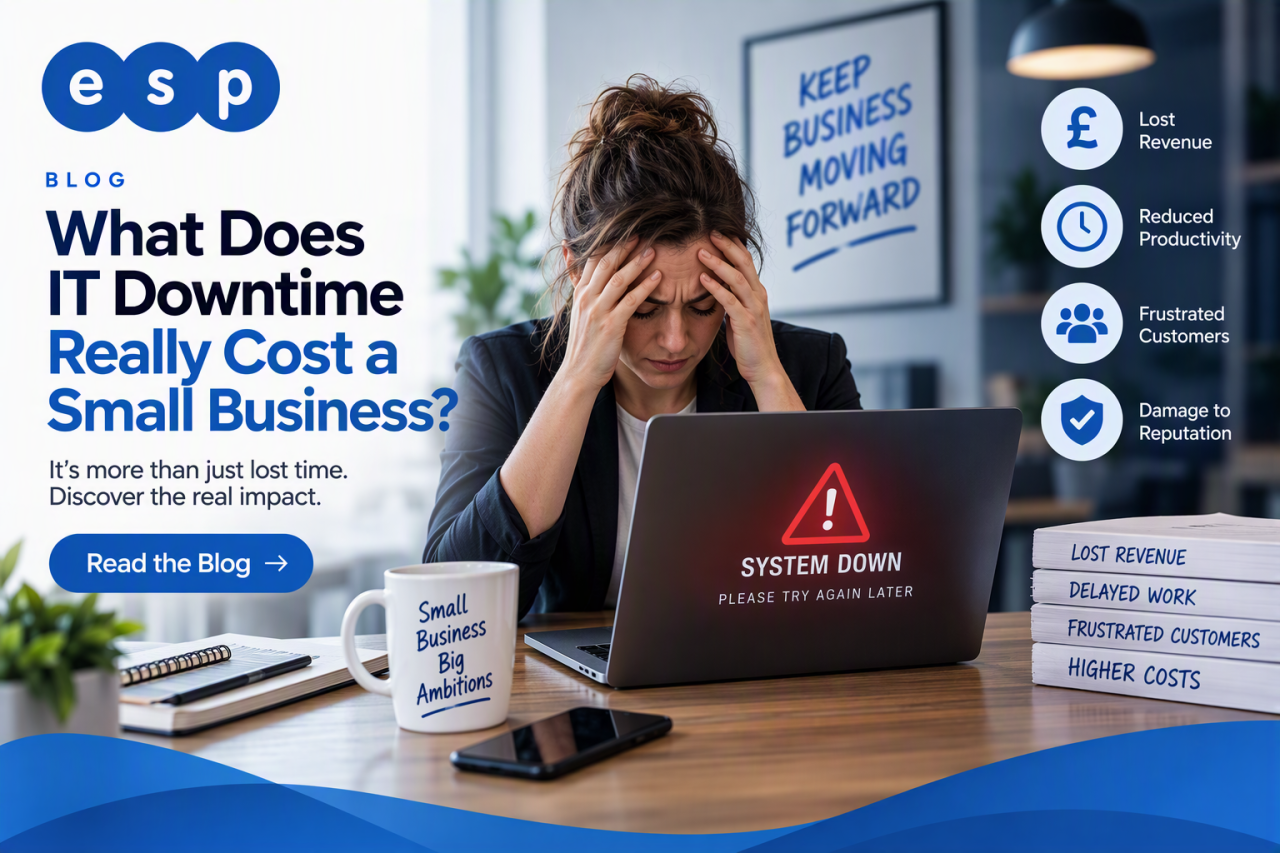
IT downtime costs a small business whatever it loses while people, systems or customers cannot work normally. There is no reliable single “average cost per hour” that applies to every UK SME. A better answer is to calculate your own exposure from lost revenue, paid staff time, recovery costs and any knock-on impact on customers or operations.
That is the direct answer. A two-hour outage for a professional services firm can have a very different cost from two hours of downtime on a manufacturing line or ecommerce website. The useful question is not “what does downtime cost on average?” but “what would one hour of downtime cost this business?”
This guide explains how to calculate that figure, which hidden costs to include and what practical controls can reduce both the likelihood and impact of an outage.
Why IT Downtime Costs More Than the IT Repair
When a critical system stops working, the technical repair is only one part of the bill. Staff may be unable to access email, files, finance software or line-of-business applications. Customers may be unable to place orders or contact you. Managers can lose time coordinating the response while normal work builds up.
Downtime should therefore be treated as a business continuity issue, not simply an IT problem. The UK National Cyber Security Centre (NCSC) advises organisations to identify the systems and information essential to keeping the organisation running, then prepare recovery arrangements. Reliable IT support in Sheffield can form part of that resilience by giving a business a defined route for monitoring, support and incident response.
What Causes IT Downtime?
Hardware and infrastructure failure
Servers, storage, switches, firewalls, internet connections and end-user devices can fail. Risk can increase where equipment is ageing, out of warranty or no longer supported.
Cyber incidents
Ransomware, compromised accounts and other attacks can make systems or data unavailable. The NCSC’s Small Organisations Guide to Cyber Security recommends protecting important accounts, devices and data and preparing for incidents.
Software, configuration and human error
Failed updates, incorrect configurations and accidental deletion can also cause disruption. Good change control, tested backups and sensible administrative permissions reduce the chance that a routine task becomes a lengthy outage.
Third-party and connectivity problems
Cloud, telecoms and software suppliers can suffer outages too. You cannot prevent every supplier failure, but you can understand dependencies and decide where alternative connectivity, manual workarounds or recovery procedures are justified.
How to Calculate the Cost of IT Downtime
A simple calculation is more useful than applying a generic statistic. Start with costs you can reasonably estimate:
- Lost revenue: revenue that genuinely cannot be recovered after service returns.
- Lost productivity: the employment cost of people who cannot work normally.
- Recovery costs: emergency support, overtime, replacement equipment or specialist assistance.
- Operational impact: delayed production, failed transactions, refunds or contractual costs where relevant.
A useful formula is : Estimated downtime cost = lost revenue + lost productivity + recovery costs + other measurable business impact.
A worked example
Imagine a ten-person services business suffers a three-hour outage. Eight employees are substantially unable to work and their combined employment cost is £240 per hour. The business estimates that £600 of revenue per hour will genuinely be lost rather than delayed, and emergency IT assistance costs £450.
The estimated direct cost is £2,970: £1,800 lost revenue, £720 staff cost and £450 recovery cost. If delayed revenue is later recovered, adjust the figure down. If customers cancel work or contractual costs arise, it may be higher. The aim is not to manufacture a frightening number; it is to create a realistic figure for deciding how much resilience is economically sensible.
The Hidden Costs of Downtime
Some consequences are harder to price. Customers may lose confidence after repeated disruption. Staff may spend hours catching up. Projects can slip and managers may lose time dealing with complaints, suppliers or reporting.
A cyber incident can also create data-protection obligations. The Information Commissioner’s Office says organisations should protect the confidentiality, integrity and availability of personal data, maintain resilience and be able to restore availability where appropriate. Its data security guidance also emphasises testing security measures. Downtime does not automatically mean a UK GDPR fine; consequences depend on the incident, data involved and risk to people.
Set Recovery Priorities with RTO and RPO
Not every system needs the same recovery priority. Identify what the business cannot operate without, such as Microsoft 365, finance systems, production equipment, telephony, cloud applications or connectivity.
- Recovery Time Objective (RTO): the target time for restoring a service after disruption.
- Recovery Point Objective (RPO): the amount of recent data the business can tolerate losing when restoring from backup.
These targets turn business priorities into technical requirements. A service that must return within an hour needs different resilience from one the business can manage without for a day. Where infrastructure changes are required, ESP Projects’ IT projects service can support planned improvements.
Backups Reduce the Impact, but Only If You Can Restore Them
Backups are vital for reducing the impact of data loss and ransomware, but a backup job running successfully is not enough. The NCSC recommends backing up the data your organisation needs to operate and checking that you know how to restore it. Its backup guidance for small organisations specifically advises checking that backups contain important data and can be restored.
Cloud availability should not be confused with a complete backup strategy. Independent backup can provide additional recovery options for accidental deletion, malicious changes or other data-loss scenarios. ESP Projects’ cloud backup service is relevant where a business wants managed protection and recovery for important data.
How to Reduce Unplanned Downtime
No provider can credibly promise to prevent every outage, and fixed claims such as “monitoring prevents 90% of downtime” are too broad to apply to every SME. A stronger approach is to reduce avoidable failures and improve recovery.
Monitor critical systems
Monitoring can identify warning signs such as storage problems, service failures or unusual device behaviour before users report a complete outage. Alerts are most useful when somebody is responsible for acting on them.
Patch and maintain systems
Supported software, timely security updates and routine maintenance reduce avoidable technical and security risk. Planned maintenance should be controlled so that the work itself does not create unnecessary disruption.
Replace ageing technology deliberately
Maintain an asset register, understand warranty and support dates, and budget for lifecycle replacement. Planned replacement reduces dependence on unreliable or unsupported equipment and makes technology spending more predictable.
Strengthen cyber security
Multi-factor authentication, sensible access controls, endpoint protection and staff awareness can reduce the chance that a compromised account or malicious file becomes a wider outage. Businesses seeking a recognised baseline can also review ESP Projects’ Cyber Essentials support.
Create and Test a Recovery Plan
A recovery plan should explain who makes decisions, who contacts suppliers, which services return first, where backups are held and how staff communicate if normal tools are unavailable.
The NCSC’s Small Business Guide to Response and Recovery recommends identifying critical systems and information, assigning responsibilities and testing recovery. For an SME, testing can be simple: choose a realistic scenario such as loss of internet connectivity, ransomware affecting shared files or failure of a key server, then work through what stops, who acts and how recovery would happen.
A Practical Downtime Checklist for SMEs
- Calculate your estimated downtime cost using real revenue, staff and recovery figures.
- List the systems and data that are genuinely critical.
- Set realistic RTO and RPO targets for priority services.
- Check hardware age, warranty status and vendor support dates.
- Confirm monitoring, patching and incident-response responsibilities.
- Review MFA, endpoint security and staff awareness controls.
- Verify that important data is backed up and perform test restores.
- Document incident contacts and alternative ways to work.
- Test the recovery plan and record improvements.
So, What Does IT Downtime Really Cost?
For a small business, the honest answer is that downtime cost is specific to the organisation. A generic figure such as “£3,000 per hour” may sound compelling, but without a robust source and context it can mislead. A business that can continue serving customers manually may lose relatively little; another whose sales, production or client delivery stops completely can lose far more.
The best approach is to calculate the number openly rather than sell fear. Work out what an hour without each critical system would mean, decide how quickly it needs to recover, and compare that exposure with the cost of improving resilience.
Book a consultation with ESP Projects to review your current IT setup, identify the systems that create the greatest downtime risk and build a practical plan for improving resilience and recovery.