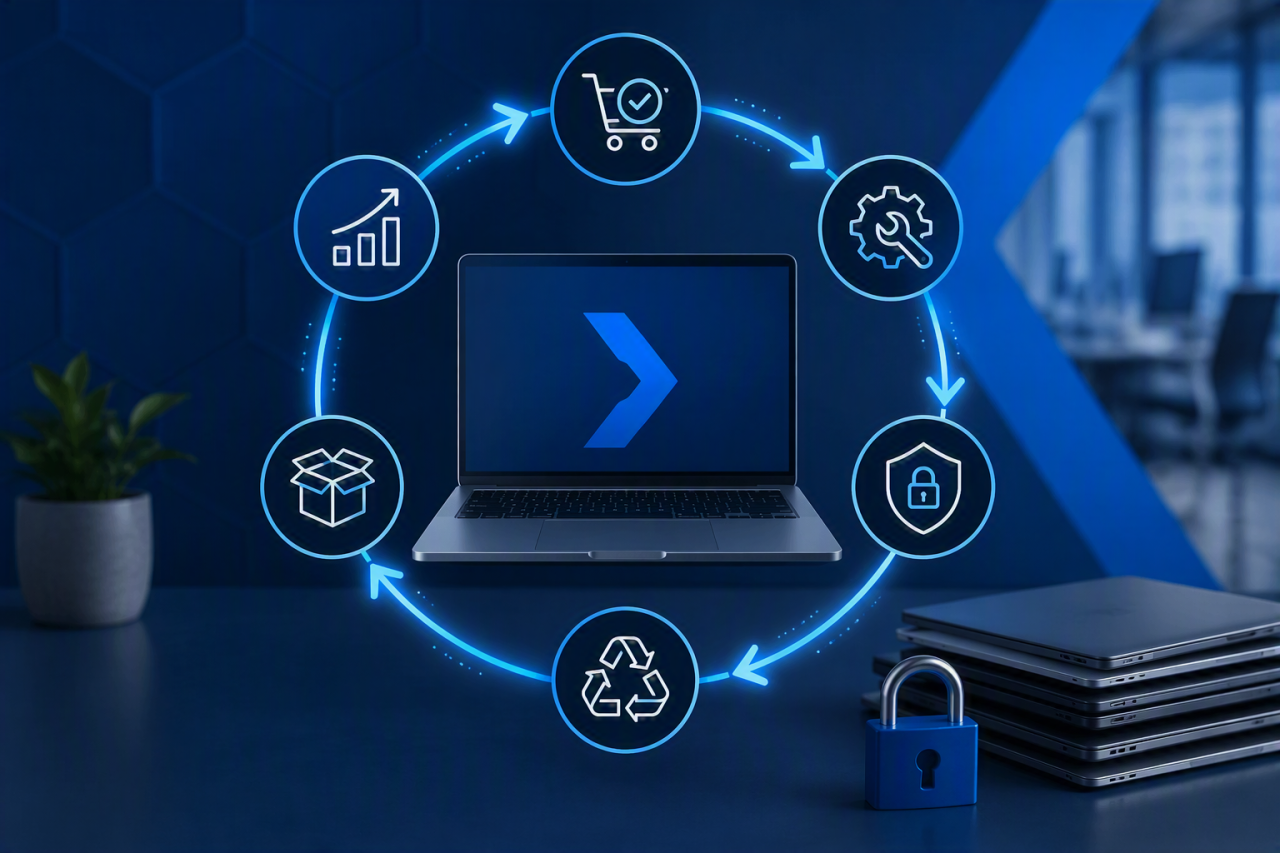
IT lifecycle management is the structured process of planning, purchasing, deploying, maintaining, replacing and securely disposing of your organisation’s technology assets.
It covers physical equipment such as laptops, servers, mobile devices and network hardware, as well as software licences, Microsoft 365 subscriptions and cloud services. The aim is to keep technology reliable, secure and cost-effective throughout its useful life.
Without a clear lifecycle plan, businesses often continue using unsupported equipment, lose track of licences, delay replacements and spend more on emergency repairs. A proactive approach gives you better visibility, fewer surprises and a more predictable technology budget.
This guide explains the six stages of IT lifecycle management, the risks each stage controls and the practical steps SMEs can take to manage their technology more effectively.
Why Does IT Lifecycle Management Matter?
Technology can become a business risk long before it stops working completely. An ageing laptop may still turn on, but slower performance, reduced battery life and repeated faults can quietly reduce employee productivity. An unsupported server may continue operating while no longer receiving the security updates needed to protect business data.
Common signs of poor lifecycle management include:
- Devices being replaced only after they fail
- Software subscriptions renewing without review
- Equipment remaining assigned to former employees
- Hardware falling outside its manufacturer warranty
- Operating systems reaching the end of support
- Unplanned purchases disrupting cash flow
- Retired devices being stored without secure data removal
Good lifecycle management replaces this reactive approach with planned decisions. It helps your business understand what it owns, monitor how each asset is performing and decide when repair, upgrade or replacement offers the best value.
Businesses using proactive managed IT services can incorporate lifecycle reviews into their wider support strategy, helping identify risks before they cause downtime.
What Does the IT Asset Lifecycle Cover?
The lifecycle begins before an asset is purchased and continues until it has been securely removed from the business.
Assets within scope may include:
- Business laptops and desktop computers
- Servers and storage systems
- Firewalls, switches and wireless access points
- Mobile phones and tablets
- Microsoft 365 licences
- Cloud hosting and backup services
- Business applications and SaaS subscriptions
- Printers and meeting-room technology
An accurate IT asset register provides the foundation for this work. The register tells you what the organisation owns or uses, while lifecycle management determines what should happen to each asset next.
A wider IT health check can also help identify unsupported devices, security weaknesses and equipment approaching replacement.
The Six Stages of IT Lifecycle Management
1. Planning and Procurement
Effective lifecycle management begins before an order is placed. The cheapest device is not always the most cost-effective choice once warranty coverage, support requirements, software compatibility and expected lifespan are considered.
Before purchasing new equipment, review:
- The user’s role and performance requirements
- Compatibility with existing systems
- Security and device-management capabilities
- Warranty length and repair arrangements
- Expected software support period
- Total cost across the asset’s useful life
- Options for reuse, resale or responsible disposal
Manufacturer support dates should influence purchasing decisions. Microsoft publishes official product lifecycle information that can help businesses avoid investing in software or platforms approaching the end of support.
Planning should also consider how the purchase fits into the organisation’s wider technology roadmap. Larger upgrades, office moves and infrastructure replacements may be better managed as structured IT projects rather than isolated purchases.
2. Deployment and Configuration
Once equipment arrives, it should be configured to an agreed business standard before being issued to an employee.
A consistent deployment process reduces support problems and ensures every device receives the required security controls. The process may include:
- Installing a supported operating system
- Applying current software and firmware updates
- Enabling device encryption
- Installing endpoint protection
- Configuring multi-factor authentication
- Adding approved business applications
- Assigning the device to a named user
- Recording the asset in the central register
Businesses using Microsoft 365 services can also standardise identity, licensing and access policies during deployment.
The asset register should be updated before the device leaves IT control. Record its serial number, assigned user, location, warranty expiry and expected replacement date. This prevents devices from becoming unrecorded or difficult to recover later.
3. Maintenance, Monitoring and Security
Maintenance is usually the longest stage of the lifecycle. During this period, the aim is to keep the asset reliable, secure and suitable for the employee using it.
Routine management should include:
- Operating system and application patching
- Firmware updates
- Endpoint security monitoring
- Storage and performance checks
- Warranty and support reviews
- Backup monitoring
- Licence and subscription reviews
The National Cyber Security Centre’s Small Business Guide recommends keeping software and devices updated because security patches help close weaknesses that attackers could exploit.
Regular patch management and endpoint monitoring can identify issues before they interrupt users. Combining this with reliable cloud backup also protects important data if hardware fails, is lost or becomes compromised.
Keeping supported software and correctly configured devices also helps businesses preparing for Cyber Essentials certification.
4. Refresh, Upgrade and Replacement
No IT asset lasts forever. Even well-maintained equipment eventually reaches a point where replacing it delivers better value than continuing to repair it. A structured refresh programme helps organisations avoid unexpected failures, maintain employee productivity and spread technology investment over several financial years.
Rather than waiting for hardware to fail, businesses should establish clear replacement criteria based on:
- Manufacturer warranty status
- Operating system support
- Performance and reliability
- Repair frequency and maintenance costs
- Compatibility with modern applications
- Business growth and changing user requirements
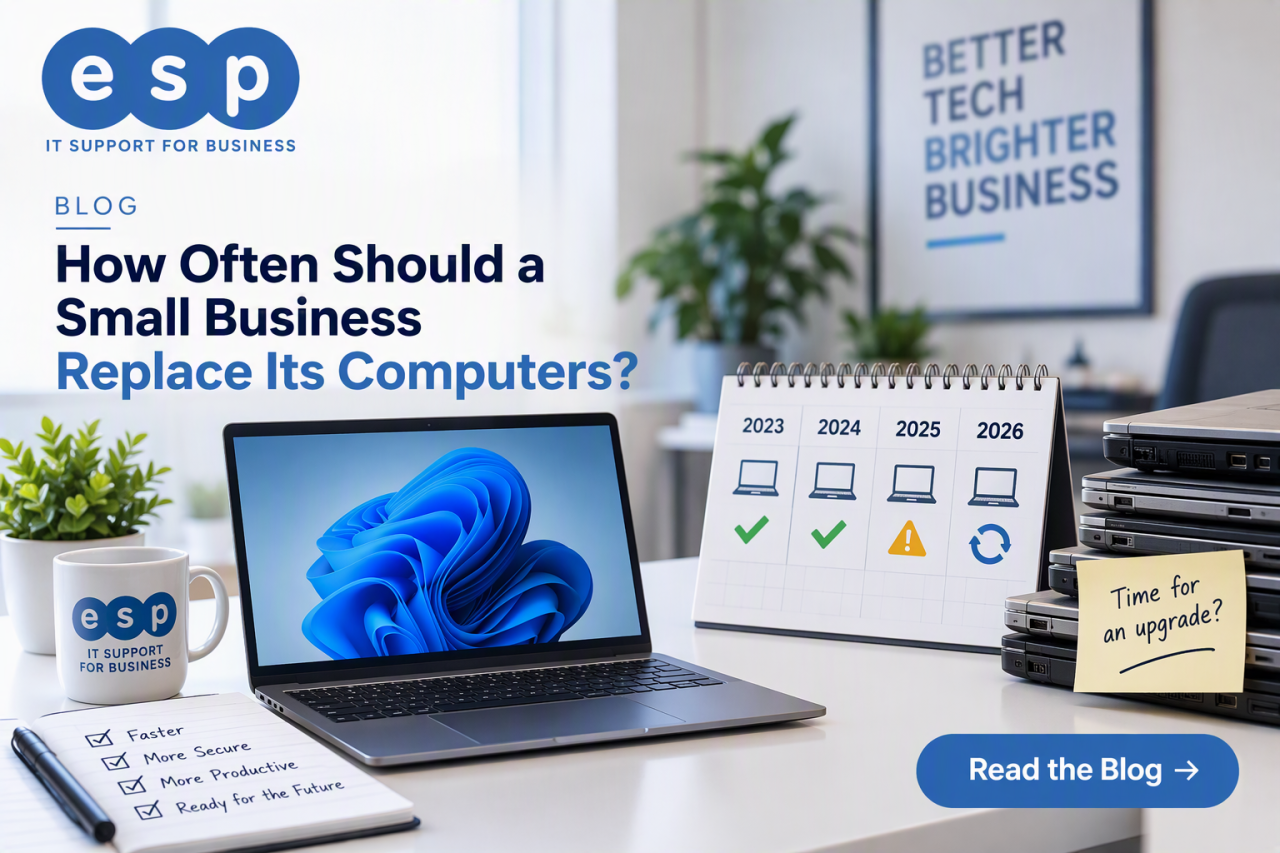
Typical replacement cycles include:
- Laptops: every 4 years
- Desktop PCs: every 4 years
- Servers: every 4 years
- Network infrastructure: every 5 years
- Mobile devices: every 2–3 years
These should be treated as guidelines rather than strict rules. Organisations should review hardware performance alongside manufacturer support dates and business requirements before making replacement decisions. Businesses with multiple locations often benefit from phased refresh programmes managed through proactive IT support services, allowing budgets to remain predictable while reducing disruption.
5. Secure Disposal and Compliance
The final stage of the lifecycle is frequently overlooked, yet it presents one of the greatest security risks. Retired laptops, servers and storage devices often contain customer information, financial records and confidential business data long after they have stopped being used.
Deleting files or formatting a hard drive is rarely enough. Organisations should ensure every retired asset follows a documented disposal process that protects sensitive information and demonstrates regulatory compliance.
Best practice includes:
- Certified data erasure or physical destruction where appropriate
- Removing the device from the asset register
- Recovering or reallocating software licences
- Maintaining a documented chain of custody
- Retaining certificates of destruction
- Using approved IT recycling partners
The Information Commissioner’s Office (ICO) advises organisations to ensure personal data remains protected throughout its entire lifecycle, including when equipment is retired or recycled.
Electronic equipment should also be disposed of responsibly in accordance with the Waste Electrical and Electronic Equipment (WEEE) Regulations, helping organisations minimise environmental impact while remaining compliant.
6. Continuous Review and Improvement
Lifecycle management is not a one-off project. Technology, cyber threats and business requirements change continually, making regular reviews essential.
Quarterly or bi-annual lifecycle reviews should consider:
- Assets approaching end of warranty
- Devices nearing end of operating system support
- Hardware experiencing repeated faults
- Software licences no longer required
- Capacity for future business growth
- Emerging cyber security risks
Reviewing lifecycle data alongside wider business objectives allows organisations to make informed investment decisions rather than reacting to unexpected failures.
How IT Lifecycle Management Reduces Costs
One of the biggest advantages of lifecycle management is financial control. Instead of replacing equipment after it fails, businesses can forecast future investment, spread capital expenditure and extend the useful life of technology through preventative maintenance.
Benefits include:
- Reduced emergency purchasing
- Lower repair costs
- Improved return on investment
- Better asset utilisation
- More accurate budgeting
- Simplified depreciation planning
Maintaining accurate lifecycle information also helps finance teams produce more reliable forecasts while ensuring technology investment aligns with business priorities.
Common IT Lifecycle Management Mistakes
Waiting Until Equipment Fails
Replacing hardware only after failure often results in emergency purchases, lost productivity and unnecessary downtime.
Poor Asset Visibility
An incomplete asset register makes it difficult to know what equipment exists, who is using it and when replacement should be planned.
Ignoring Software and Cloud Services
Lifecycle management extends beyond physical hardware. Microsoft 365 licences, cloud subscriptions and SaaS applications should be reviewed regularly to eliminate unnecessary expenditure and maintain compliance.
Leaving Secure Disposal Too Late
Planning end-of-life processes during procurement makes secure disposal significantly easier while reducing security and compliance risks later.
Best Practices for Successful IT Lifecycle Management
Businesses that gain the greatest value from their technology typically follow a consistent lifecycle strategy.
- Maintain an accurate IT asset register.
- Standardise procurement and deployment processes.
- Automate asset discovery where possible.
- Monitor hardware health proactively.
- Review software licensing regularly.
- Apply security updates promptly.
- Plan replacement programmes well in advance.
- Use certified disposal providers.
- Review lifecycle plans at least annually.
Combining lifecycle planning with proactive managed IT services helps identify potential issues before they affect users, reducing downtime while improving security and operational efficiency.
Frequently Asked Questions
What is IT lifecycle management?
IT lifecycle management is the structured process of planning, procuring, deploying, maintaining, replacing and securely disposing of technology assets throughout their useful life.
How often should business laptops be replaced?
Most organisations replace business laptops every three to four years, although this depends on performance, warranty status and manufacturer support.
Why is secure disposal important?
Secure disposal protects sensitive business and customer information, supports regulatory compliance and ensures obsolete equipment is recycled responsibly.
Can managed IT services help with lifecycle management?
Yes. A proactive managed IT provider can monitor hardware health, maintain accurate asset records, recommend replacement schedules, manage Microsoft 365 licensing and coordinate secure disposal, allowing internal teams to focus on day-to-day operations.
Take Control of Your IT Assets
Technology should support your business, not create unnecessary costs, security risks or operational disruption.
A structured IT lifecycle management strategy helps you gain complete visibility of your technology estate, improve operational efficiency, strengthen cyber security and budget confidently for future investment.
Whether you need help planning hardware refreshes, improving Microsoft 365 management, implementing reliable Cloud Backup, achieving Cyber Essentials certification or reviewing your wider managed IT support options, ESP Projects can help.
Book a consultation with ESP Projects today to build an IT lifecycle management strategy that reduces costs, strengthens security and keeps your business productive throughout every stage of your technology investment.