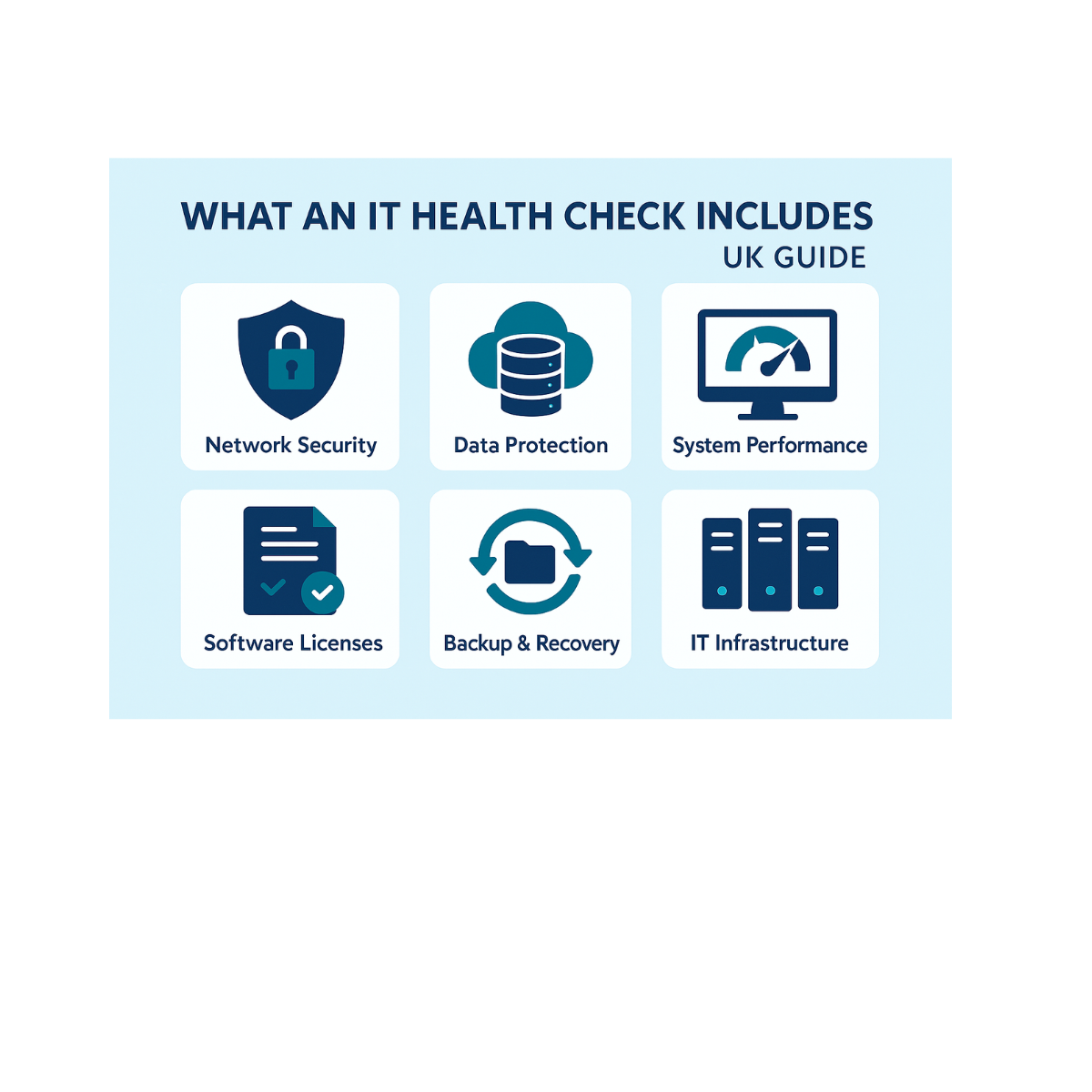
An IT health check is a structured assessment of your IT infrastructure that helps identify security weaknesses, operational risks, and areas where your systems may not be properly protected. It can include external testing, internal testing, vulnerability scanning, configuration reviews, and penetration testing, depending on the scope agreed before the work begins.
For some public sector organisations, an IT Health Check, often shortened to ITHC, may also support Public Services Network (PSN) assurance requirements. Where a formal CHECK-accredited ITHC is required, this should be scoped and delivered in line with the relevant government guidance.
That is the short answer. Below, you will find exactly what an IT health check involves, how testing works, what deliverables you should expect, and what to do next.
This guide is for IT managers, public sector teams, operations managers, and business leaders who want a clearer picture of their security posture, infrastructure risks, and next steps.
Executive Summary for IT Health Checks
The purpose of an IT health check is simple: confirm whether your systems are properly protected against unauthorised access, data loss, misconfiguration, and avoidable disruption.
An IT health check can help identify weaknesses across:
- External systems
- Internal networks
- Cloud services
- Servers and endpoints
- User access controls
- Backup and recovery processes
- Security monitoring
- Patch management
For public sector organisations, the key compliance drivers may include PSN requirements, the Public Services Network Code of Connection, and wider data protection responsibilities. For private businesses, the value is often in reducing cyber risk, improving resilience, and prioritising future IT investment.
You should expect these deliverables from an IT health check:
- A clear IT health check report
- Severity ratings for each finding
- A prioritised remediation plan
- Evidence to support internal governance or compliance reviews
- Recommendations for improving security and operational resilience
Cyber Security Context
An IT health check should sit at the centre of a practical cyber security strategy. It gives your organisation a clearer view of current risks and helps you address weaknesses before they become serious incidents.
For public sector organisations, external and internal systems may need to be assessed against specific assurance requirements. You can read the official IT Health Check supporting guidance for further detail.
For SMEs, an IT health check can also support broader security improvements, especially if you are working towards Cyber Essentials or reviewing your existing IT security arrangements.
What Is an IT Health Check?
An IT health check is a structured review of your technology environment. It combines technical testing, configuration review, and practical risk assessment to show where your systems are strong and where they need improvement.
A comprehensive IT health check may include:
- External vulnerability testing
- Internal vulnerability testing
- Credentialed vulnerability scanning
- Manual configuration reviews
- Penetration testing
- Cloud security checks
- Backup and recovery review
- User access review
- Patch management review
In short, a good IT health check goes beyond automated scanning. It combines tools with expert review to show the real-world risks across your IT environment.
What does a Health Check Involve?
What does a health check involve in practice? It depends on your scope, but most checks combine internal and external testing across key systems.
The main test types include:
- External testing of internet-facing systems
- Internal testing of networks and endpoints
- Manual configuration reviews
- Targeted penetration testing
- Cloud configuration checks
- Backup and disaster recovery review
Target systems may include web servers, email servers, remote access solutions, network devices, laptops, mobile devices, managed endpoints, and cloud platforms such as Microsoft 365.
Most organisations benefit from running an IT health check annually, with extra checks after major changes such as cloud migration, office moves, server upgrades, or a change of IT provider.
IT Systems and Assets
A useful IT health check starts with a clear inventory. You cannot properly secure systems you have not identified.
Hardware and Software Inventory
The first stage is to document your hardware, software, users, licences, and critical services. This may include laptops, desktops, servers, firewalls, switches, Wi-Fi equipment, printers, cloud platforms, and specialist business applications.
If your asset records are incomplete, it can make support more difficult and increase security risk. This is one reason IT health checks often link closely with an IT roadmap.
Data and System Ownership
Each system should have an owner. This helps clarify who is responsible for approving changes, managing access, and making decisions when risks are identified.
Systems holding sensitive data should be prioritised because a weakness in those systems could have a greater business impact.
External Testing
External testing examines systems that are visible from the internet. The goal is to identify any unauthorised entry point before an attacker finds it.
This stage may include:
- Testing internet-facing servers
- Reviewing web applications
- Checking exposed services
- Assessing email and web servers
- Reviewing VPN and remote access controls
- Checking firewall configuration
If an attacker tried to reach your organisation remotely, external testing helps reveal the routes they might use.
Internal Testing
Internal testing looks at what could happen if an attacker, malicious insider, or compromised device already had access to the internal network.
This stage may include:
- Credentialed vulnerability scans
- Endpoint testing
- Server configuration checks
- Network segmentation review
- Active Directory review
- Internal access control testing
Together, internal and external testing give a more complete picture of your security posture.
Penetration Testing
Penetration testing goes further than scanning. It safely validates whether identified vulnerabilities can actually be exploited.
This helps separate theoretical risks from practical threats. For example, a scan may identify a weakness, but a penetration test can show whether that weakness could allow unauthorised access, privilege escalation, or movement between systems.
Penetration testing is particularly useful for high-risk systems, internet-facing services, and environments with compliance requirements.
Testing New IT Services
New IT services should be reviewed before they go live. A misconfigured new service can become an easy entry point for attackers.
New systems to review may include:
- Cloud-hosted infrastructure
- New Microsoft 365 environments
- Remote access tools
- New web applications
- New servers
- New firewall rules
- New backup platforms
If you are moving systems into the cloud, it is also worth reviewing your wider Microsoft 365 and backup arrangements.
Backup and Disaster Recovery Review
An IT health check should not only focus on preventing incidents. It should also review how well your organisation could recover if something went wrong.
This includes checking:
- Backup frequency
- Backup success rates
- Retention periods
- Restore testing
- Recovery Time Objectives
- Recovery Point Objectives
- Disaster recovery responsibilities
If this is a concern, ESP Projects has a dedicated cloud backup service and guidance on backup and disaster recovery.
Output: IT Health Check Report and Remediation
The most valuable output is the report. A good IT health check report should explain the findings clearly and provide practical next steps.
A strong report includes:
- Identified vulnerabilities
- Severity ratings
- Business impact
- Technical evidence
- Prioritised remediation actions
- Quick wins
- Longer-term recommendations
- Evidence for internal or external assurance
The best reports are useful for both technical teams and senior stakeholders. They should help decision-makers understand what needs fixing, why it matters, and what should happen first.
Choosing a Testing Partner
Your testing partner matters as much as the test itself. The right provider should be clear about scope, methods, limitations, and deliverables before work begins.
What to Check Before Appointing a Provider
- Relevant accreditations
- Experience with similar organisations
- Sample report quality
- Remediation support
- Clear scoping process
- Data handling processes
- Communication style
If you need a formal CHECK-accredited ITHC for PSN or other public sector assurance requirements, confirm that the provider is appropriately accredited before work begins.
Post-Check Actions and Ongoing Health Checks
An IT health check is not a one-off exercise. Cyber threats evolve, systems change, and new risks appear as your business grows.
After the check, you should:
- Assign owners to each remediation task
- Prioritise high-risk issues
- Track fixes to completion
- Retest critical vulnerabilities
- Update policies and procedures
- Review findings with stakeholders
- Schedule the next health check
If your current provider does not help you act on these findings, it may be time to review your support arrangements. Our guide on what happens when you switch IT provider explains how that process works.
Practical Checklist for IT Health Checks
Use this checklist to stay on track:
- Asset inventory: Confirm all hardware and software is listed.
- Patch management: Check operating systems, applications, and firmware are up to date.
- User access: Confirm access controls match roles.
- MFA: Check multi-factor authentication is enabled where needed.
- Backup and recovery: Review backup integrity and disaster recovery plans.
- Cloud configuration: Validate secure setup across cloud platforms.
- External exposure: Check internet-facing services for weaknesses.
- Internal controls: Review segmentation, privileges, and endpoint security.
If user access and account protection are key concerns, read our guide on what MFA is.
Is It Worth Getting a Full IT Health Check?
Yes, for many organisations it is. A full IT health check helps identify significant weaknesses before attackers do, gives stakeholders clearer evidence of risk, and helps prioritise future IT investment.
For public sector teams, it may also support assurance and compliance obligations. For private businesses, the value often comes from preventing downtime, reducing cyber risk, and improving confidence in the wider IT environment.
What is covered in a full health check? In most cases, it includes external systems, internal systems, vulnerability scanning, configuration review, penetration testing where appropriate, and a remediation plan that turns findings into measurable improvements.
Book Your IT Health Check With ESP Projects
If you want clarity on your security posture, ESP Projects can help you review your current IT environment, identify practical risks, and build a clear improvement plan.
We can help assess your IT infrastructure, review backup and recovery arrangements, check Microsoft 365 and cloud configuration, and support your wider cyber security planning.
If your organisation requires a formal CHECK-accredited ITHC for PSN compliance, we can help you prepare the scope, identify internal risks before testing, and support remediation after the assessment.
Book a scoping call with ESP Projects today to plan your IT health check and understand where your systems need attention.