
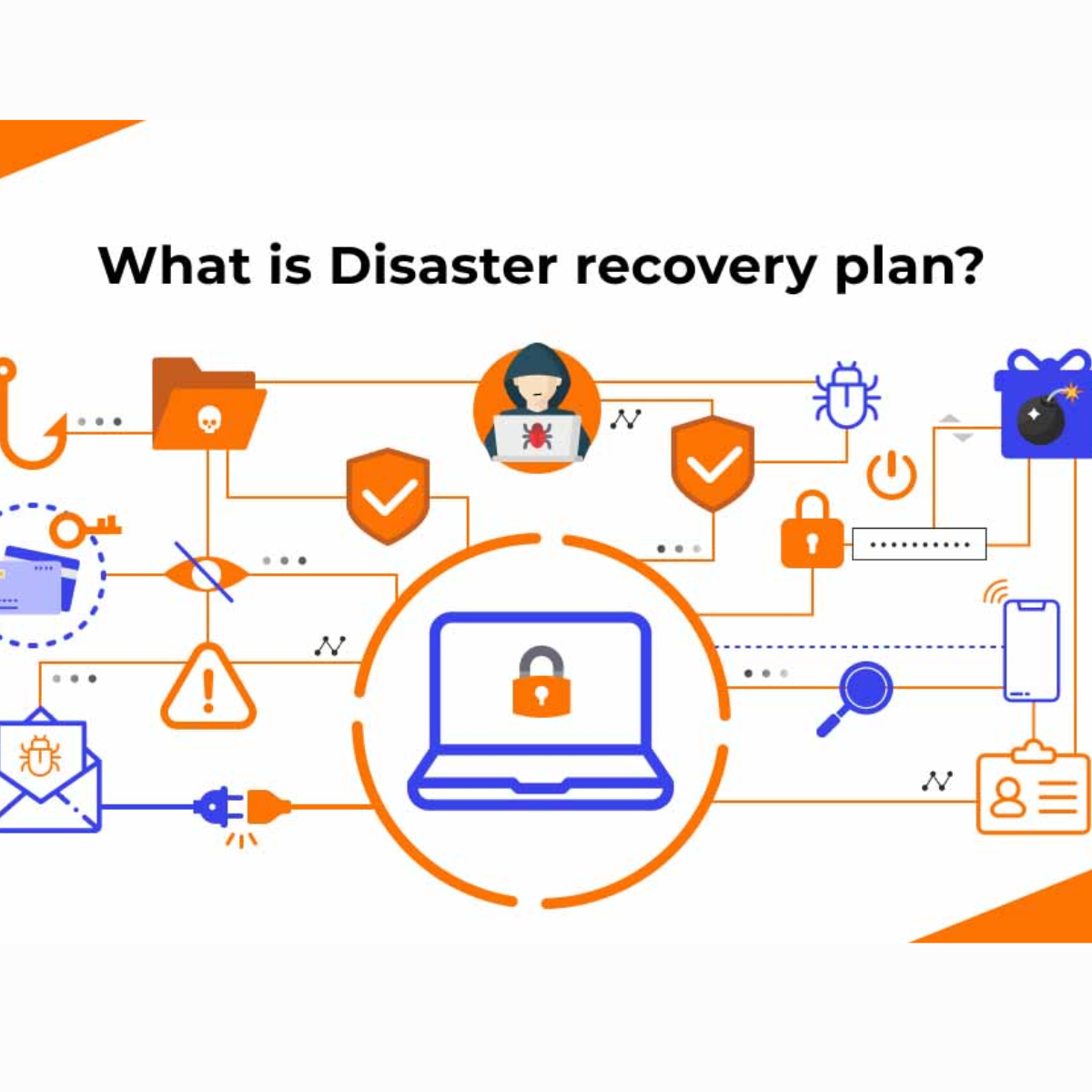
An IT disaster recovery plan, often shortened to DRP, is a documented set of steps your business follows to restore IT systems, data and infrastructure after a serious disruption.
It tells your team what to do if you are hit by ransomware, a server failure, accidental data loss, a cloud outage, hardware failure or another incident that stops critical systems from working.
In simple terms, a disaster recovery plan is your IT recovery playbook. It helps you get systems back online quickly, reduce data loss, limit downtime and keep the business moving.
This guide explains what a DRP is, when to use one, how it differs from a business continuity plan, and how to build a practical recovery plan that works when you need it.
The Short Answer
An IT disaster recovery plan sets out exactly how your business will recover its technology after a serious incident. It should identify your critical systems, define recovery priorities, assign responsibilities, document backup and restore procedures, and set clear targets for how quickly systems must be restored.
A good DRP answers four important questions:
- What systems must be recovered first?
- How much downtime can the business tolerate?
- How much data can the business afford to lose?
- Who is responsible for each recovery task?
If your business relies on cloud services, Microsoft 365, servers, customer data or line-of-business applications, a disaster recovery plan should form part of your wider IT strategy.
Who This Guide Is For
This guide is for business owners, IT managers, operations managers and senior leaders who are responsible for IT risk, business continuity or data protection.
It is particularly useful if your organisation:
- relies heavily on IT systems to operate
- uses cloud applications or hosted services
- stores sensitive customer or business data
- has experienced downtime before
- needs to improve resilience for cyber insurance or compliance
- wants a clearer recovery plan before something goes wrong
What You Will Learn
- What an IT disaster recovery plan is
- When a DRP should be activated
- How DRP differs from business continuity
- What RTO and RPO mean
- How backups fit into disaster recovery
- What to include in your recovery plan
- How often to test your DRP
- How ESP Projects can help protect your business
What Is Disaster Recovery?
Disaster recovery is the process of restoring IT systems and data after a serious disruption.
That disruption could be caused by:
- ransomware
- malware
- hardware failure
- server failure
- cloud service outages
- accidental data deletion
- fire, flood or physical damage
- power failure
- human error
The goal is not just to get systems running again. The goal is to restore the right systems in the right order, within an acceptable timeframe, with as little data loss as possible.
What Is an IT Disaster Recovery Plan?
An IT disaster recovery plan is the written document that explains how disaster recovery will happen.
It should include:
- the systems covered by the plan
- the people responsible for recovery
- the order in which systems should be restored
- backup locations and restore procedures
- communication contacts
- supplier and vendor details
- recovery targets
- testing schedules
- post-incident review steps
A DRP should be practical. It is not just a policy that says your business protects data. It should tell your team exactly what to do during a real incident.
Why an IT Disaster Recovery Plan Matters
Downtime can quickly become expensive. Even a few hours without access to email, files, customer records or operational systems can affect productivity, revenue and customer confidence.
Without a recovery plan, teams often lose valuable time working out what happened, who owns the response, where backups are stored and what should be restored first.
A disaster recovery plan helps your business:
- reduce downtime
- limit data loss
- recover systems faster
- protect customer trust
- support compliance obligations
- respond more calmly during incidents
- avoid confusion between staff, suppliers and leadership
It also supports broader cyber resilience. The National Cyber Security Centre provides guidance on business continuity and disaster recovery as part of cyber security best practice.
Disaster Recovery Plan vs Business Continuity Plan
Disaster recovery and business continuity are closely linked, but they are not the same thing.
Disaster Recovery Plan
A disaster recovery plan focuses on restoring IT systems, data, networks and infrastructure after a disruption.
It answers technical recovery questions such as:
- How do we restore files?
- How do we recover servers?
- How do we restore Microsoft 365 data?
- How do we recover from ransomware?
- Which systems come back first?
Business Continuity Plan
A business continuity plan is broader. It explains how the organisation keeps operating during and after a serious disruption.
It may include:
- staff communication
- customer communication
- temporary working arrangements
- alternative premises
- manual workarounds
- supplier management
- leadership decisions
Your disaster recovery plan should support your business continuity plan. IT recovery is one part of keeping the whole business running.
When Should a Disaster Recovery Plan Be Activated?
A DRP should be activated when an incident threatens critical IT systems, important data or business operations.
Common triggers include:
- a ransomware infection
- a failed server
- major data corruption
- loss of access to cloud systems
- critical hardware failure
- significant data deletion
- major network outage
- fire, flood or physical damage to equipment
Not every IT issue needs full disaster recovery activation. A single user laptop fault may only need standard support. A company-wide server failure or ransomware incident is different.
Your plan should define clear severity levels so staff know when to escalate and when to activate the DRP.
What Should an IT Disaster Recovery Plan Include?
A useful DRP should be clear enough to follow under pressure. It should include the details your team needs during an incident, not just high-level statements.
Plan Owner and Approval
The plan should name the person responsible for maintaining it. This is usually an IT manager, technology lead or external IT support provider.
Senior leadership should approve the plan because disaster recovery affects risk, budget and business continuity.
Critical Systems List
List the systems your business relies on most. These may include:
- Microsoft 365
- file storage
- customer relationship management systems
- finance systems
- line-of-business applications
- servers
- databases
- telephony
- internet connectivity
If your business uses cloud platforms, make sure they are included in the plan. You may also need to review your Microsoft 365 configuration and backup arrangements.
Recovery Priorities
Not every system needs to be recovered at the same speed.
For example, your customer database or finance system may need to be restored before archived files or non-critical internal tools.
Prioritising systems helps your team focus on what matters most during a crisis.
Roles and Responsibilities
Your DRP should explain who does what.
Typical roles include:
- DRP activation authority
- technical recovery lead
- communications lead
- business owner for each critical system
- external IT provider contact
- cloud or software vendor contacts
Without clear ownership, incidents can become chaotic.
Backup and Restore Procedures
The plan should explain where backups are stored, how they are accessed and how systems are restored.
This includes:
- backup locations
- backup frequency
- restore instructions
- credentials required
- who can authorise a restore
- how restored data is checked
If you are unsure whether your backups are fit for purpose, ESP Projects provides cloud backup services to help protect business data.
Contact Details
Your DRP should include up-to-date contact information for:
- internal recovery team members
- senior decision-makers
- external IT support
- cloud providers
- software vendors
- internet providers
- cyber insurance contacts
Keep offline copies of these details. If email is unavailable, you still need a way to coordinate recovery.
What Are RTO and RPO?
RTO and RPO are two of the most important terms in disaster recovery planning.
Recovery Time Objective
Recovery Time Objective, or RTO, is the maximum amount of time a system can be unavailable before it causes serious harm to the business.
For example, if your RTO for a booking system is four hours, the recovery plan should be designed to restore that system within four hours.
Recovery Point Objective
Recovery Point Objective, or RPO, is the maximum amount of data your business can afford to lose.
For example, if your RPO is one hour, backups must be frequent enough that you should not lose more than one hour of data.
Why They Matter
RTO tells you how quickly systems must recover. RPO tells you how much data loss is acceptable.
Different systems need different targets. A mission-critical database may need a short RTO and RPO. A low-priority archive may tolerate a longer recovery window.
How to Build an IT Disaster Recovery Plan
Building a DRP does not need to be complicated, but it does need to be structured.
Step 1: Identify Critical Systems
Start by listing the systems your business cannot operate without. Speak to department heads, finance, operations and senior leaders to understand what matters most.
Step 2: Run a Business Impact Analysis
A business impact analysis helps you understand the effect of losing each system.
Ask:
- Which services would stop?
- Which customers would be affected?
- Which staff would be unable to work?
- What would the financial impact be?
- What would the reputational impact be?
Step 3: Set RTO and RPO Targets
Set recovery targets for each critical system. These targets should be realistic and affordable.
Very short recovery targets usually require more advanced backup, replication or failover solutions.
Step 4: Review Current Backups
Check whether your existing backups can meet your recovery targets.
Review:
- backup frequency
- backup success rates
- restore testing
- cloud backup coverage
- offsite storage
- protection against ransomware
For more background, read our guide on backup and disaster recovery.
Step 5: Document Recovery Procedures
Write step-by-step recovery instructions. These should be specific enough that someone other than the usual IT lead can follow them if needed.
Include:
- systems to restore
- order of recovery
- backup source
- restore method
- validation checks
- who signs off completion
Step 6: Assign Responsibilities
Make sure every task has an owner. Avoid vague wording such as “IT will handle this”. Name the role or person responsible.
Step 7: Test the Plan
A disaster recovery plan is only useful if it works. Testing is essential.
Start with tabletop exercises, then move towards partial restores and more realistic recovery testing.
Backups and Disaster Recovery
Backups are the foundation of disaster recovery, but having backups is not the same as having a working DRP.
Your business should know:
- what is backed up
- how often backups run
- where backups are stored
- how long backups are retained
- whether backups are protected from ransomware
- how quickly data can be restored
- whether restores are tested
A backup that has never been tested is a risk. You do not want to discover during an incident that files cannot be restored.
Cloud Disaster Recovery
Cloud disaster recovery uses cloud platforms to restore systems, data or workloads after an incident.
This can reduce the need for a second physical site and may offer faster recovery for some businesses.
Cloud disaster recovery may include:
- cloud backup
- replication to another location
- virtual machine recovery
- Microsoft 365 backup
- cloud-hosted file recovery
The right approach depends on your systems, budget, recovery targets and compliance requirements.
Types of Disaster Recovery Approaches
Backup-Based Recovery
This is the simplest approach. Systems and data are restored from backups.
It is often affordable, but recovery may take longer depending on data size and system complexity.
Disaster Recovery as a Service
Disaster Recovery as a Service, or DRaaS, uses a third-party provider to replicate and restore systems when needed.
This can be useful where faster recovery is required but the business does not want to maintain a full secondary site.
Virtualised Recovery
Virtualised recovery allows systems to be restored as virtual machines, often much faster than rebuilding physical servers.
Secondary Site Recovery
Some organisations maintain a separate recovery site. This can provide strong resilience but is usually more expensive and complex.
Conclusion and Next Steps
An IT disaster recovery plan gives your business a clear process for recovering from serious IT disruption. It defines which systems matter most, how quickly they need to recover, how much data loss is acceptable, and who is responsible for each recovery task.
The most important first step is to identify your critical systems and review whether your current backup arrangements can support your recovery needs.
Review Your Disaster Recovery Position With ESP Projects
ESP Projects can help you review your current backup arrangements, identify recovery risks, and build a practical disaster recovery plan that supports your business continuity needs.
Whether you need cloud backup support, wider IT services, or a full recovery review, our team can help.
Book a consultation with ESP Projects to review your disaster recovery position.