
When your company expands, the technology that once helped you get off the ground can suddenly feel like a bottleneck. Laptops run slowly, software updates are ignored, and a single server crash can bring your entire operation to a standstill. You reach a growth stage where relying on the most tech-savvy person in your office is no longer a viable strategy. You need professional help.
But how do you know which IT support company is right for you?
This guide answers the exact questions business owners ask when looking for a reliable IT partner. We will cover how to assess your current setup, define your security needs, evaluate pricing, and spot warning signs. By the end of this post, you will have a clear, actionable framework to find an IT provider that aligns with your business goals.
The Short Answer
To choose the right IT support provider for a growing business, you must first understand your own business needs. Start by taking an inventory of your hardware, software, and cloud services. Next, decide whether you need fully managed IT services or simple break-fix support. You must thoroughly evaluate potential providers based on their security measures, disaster recovery planning, guaranteed response times (SLAs), and proven track record.
Finally, use a weighted decision matrix to score providers objectively, ensuring they offer the scalability and strategic guidance your growing business requires. If you are still clarifying the basics, our guide on what IT support includes is a useful starting point.
Assess Your IT Infrastructure
Before you speak to an IT support provider, you need a clear picture of what you actually need them to support. A growing business often has a disjointed mix of old and new technology.
Take the time to map out your current IT infrastructure:
- Inventory hardware: Count every desktop, laptop, server, printer, and mobile device your team uses.
- Catalogue software: List all operating systems, industry-specific applications, and basic productivity tools (like Microsoft 365 or Google Workspace).
- Map network topology: Document how your offices connect to the internet, including your routers, switches, and wireless access points.
- Map cloud services: Identify which services you host in the cloud, such as CRM platforms, file storage, or accounting software.
Having this information ready helps potential providers offer accurate pricing and tailored solutions.
Define Required Services From a Support Company
Not all IT support is created equal. You must outline the essential IT services your business needs to stay productive.
First, prioritise managed versus break-fix support. Break-fix support means you only call the provider when something breaks, paying an hourly rate for the repair. While this seems cheaper initially, it leads to unpredictable costs and prolonged downtime. For a growing business, a proactive approach is better. Fully managed IT support services provide ongoing maintenance, monitoring, and strategic planning for a flat monthly fee.
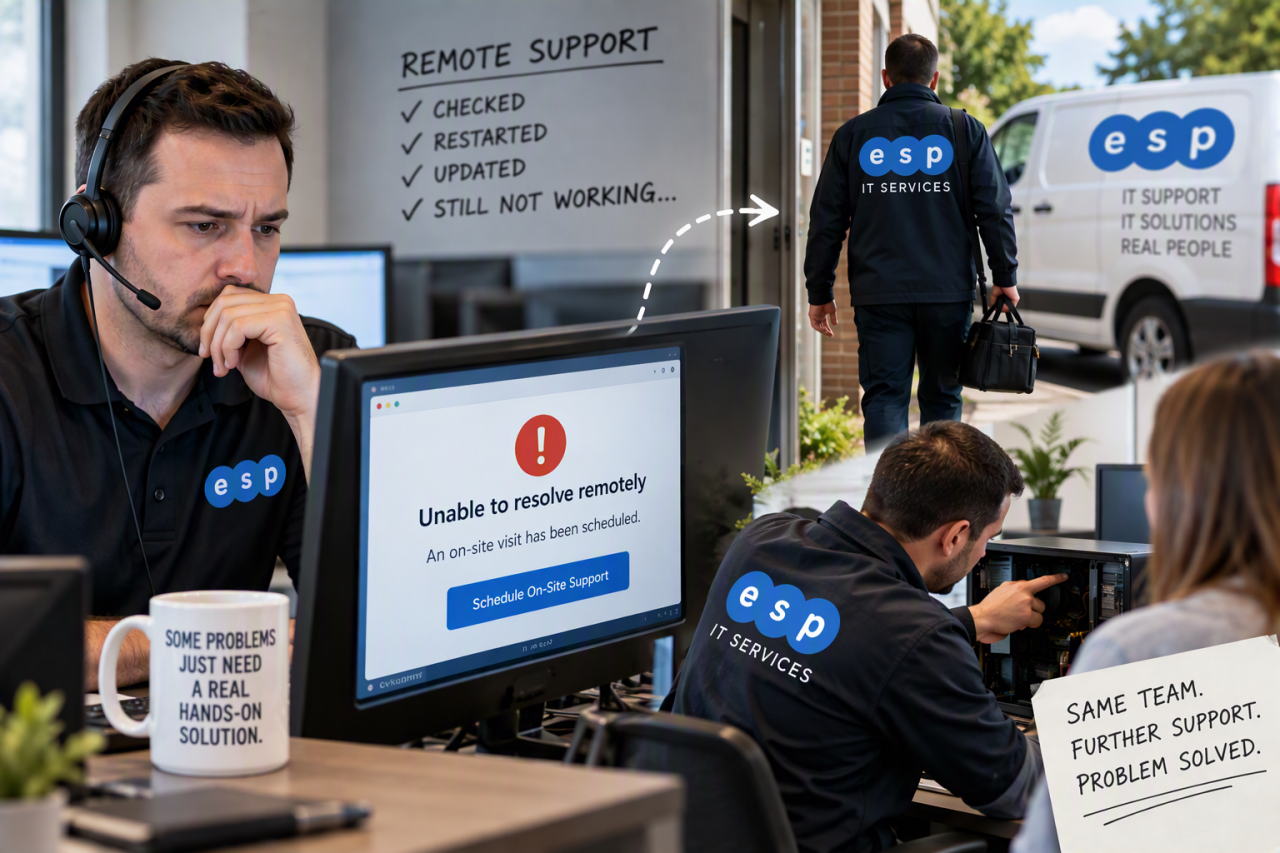
Next, decide on on-site or remote coverage. Remote support resolves the vast majority of daily technical issues quickly. However, if you rely heavily on physical servers or complex local networks, you must ensure the provider offers guaranteed on-site support when remote troubleshooting is not enough.
Security, Cyber Threats, and Data Protection
As your business grows, you become a larger target for cyber-attacks. Your new IT provider must treat data protection as a top priority. For practical small business guidance, the ” NCSC Small Business Guide is a useful benchmark for the kind of security standards and processes your provider should support.
Cyber Threats Defence Expectations
A modern IT support company must offer more than basic antivirus software. Require the following robust security measures:
- Firewall protection: Ensure they actively manage and monitor your network perimeter to block malicious traffic.
- Endpoint protection: Require advanced threat detection on every individual laptop and desktop, alongside layered protections such as multi-factor authentication and strong endpoint security.
- Threat detection capabilities: Ask about their intrusion detection systems and how quickly they identify unusual network behaviour.
- Employee security training: Human error causes most data breaches. Request regular employee training programmes and simulated phishing tests to build a security-aware culture.
Data Backup and Disaster Recovery Planning
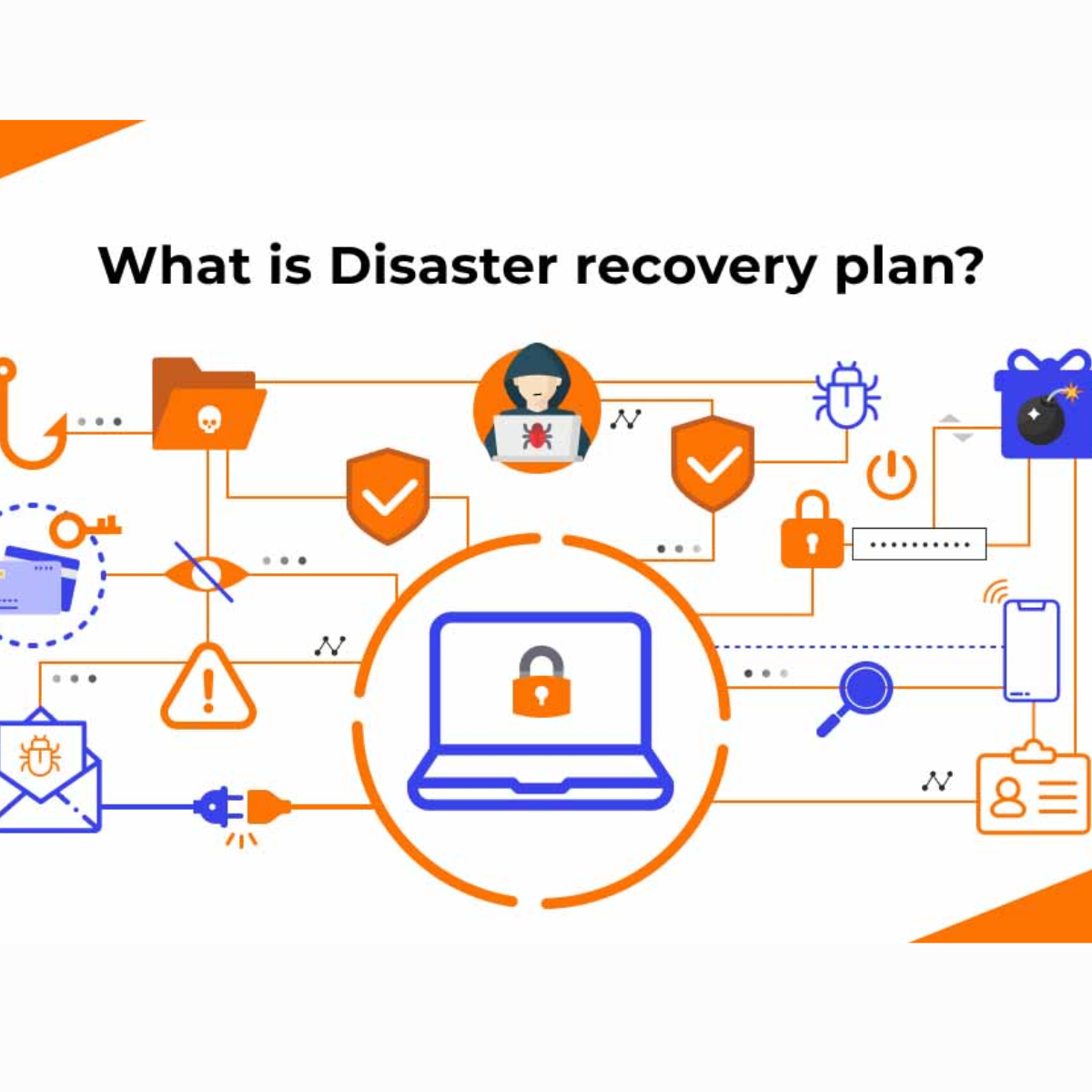
Hardware fails, and cyber-attacks happen. Your business continuity depends entirely on how well your data is backed up. You can read more in our backup and disaster recovery blogpost.
Require a 3-2-1 data backup strategy. This means keeping three total copies of your data, across two different storage mediums, with one copy stored securely off-site (usually in the cloud).
You must also confirm two critical metrics:
- Recovery Time Objective (RTO): How quickly will the provider get your systems back online after a failure?
- Recovery Point Objective (RPO): How much data can your business afford to lose? (For example, if backups happen daily, you risk losing up to 24 hours of work).
Finally, request regular disaster recovery testing. A backup is useless if it fails to restore when you need it most.
Proactive Monitoring and Maintenance
The best IT support provider stops problems before you even notice them. Require 24/7 proactive monitoring of your network and servers. This ensures that issues like failing hard drives or network bottlenecks trigger an alert and get fixed immediately. This proactive approach should form part of a wider IT security strategy, not just a reactive support model.
Ask for a strict patch management schedule. Cyber criminals exploit outdated software. Your provider must install critical security updates and software updates promptly, preferably outside of your standard working hours. Additionally, set a performance reporting cadence. You should receive monthly reports detailing system health, ticket resolution metrics, and blocked security threats.
Service Levels, Response Times, and SLAs
When a critical system goes down, every minute costs you money. Service Level Agreements (SLAs) are the contractual guarantees that dictate how quickly a provider will assist you.
Specify response times for top priority incidents. If your main server fails, the provider should acknowledge the issue within minutes, not hours. Define resolution time targets, ensuring there is a commitment to actually fixing the problem, rather than just answering the phone. Furthermore, the SLA must include clear escalation paths. If a front-line technician cannot solve a complex issue, you need to know exactly how and when it moves to a senior engineer.
Evaluate Provider’s Reputation and Track Record
Never sign a contract without verifying the provider’s reputation. A company expands by delivering excellent service quality, so you should look for a proven track record.
Check the provider’s reputation online through independent review sites. Ask to speak directly with previous customers. Specifically, request client references from similar businesses in your industry. An IT provider that understands the unique challenges of your specific sector will bring valuable insights to the table. Review their published case studies and evaluate their success metrics, such as their average customer retention rate and customer satisfaction scores.
Pricing, Contracts, and Scalability from a Service Provider
Pricing structures vary wildly between service providers. Compare pricing models carefully. Some charge per user, while others charge per device. Per-user pricing is often better for a growing business where staff use multiple devices (like a laptop, desktop, and mobile phone).
Look beyond the monthly fee and calculate the Total Cost of Ownership (TCO). Factor in onboarding fees, project costs, and hardware upgrades. Finally, ensure the contract includes scalability clauses. As your business grows or shrinks, you should be able to adjust your support package without facing massive penalty fees.
Onboarding, Support Company Communication, and Account Management
Switching to a new IT provider can feel daunting. Review their onboarding plan before you sign. A good provider will conduct a thorough audit, document your systems, and transition services smoothly without disrupting your daily operations.
Confirm you will have a dedicated account manager. You need a single point of contact who understands your business objectives, rather than just a random voice on a helpdesk. Schedule regular strategy reviews. Your IT partner should meet with you quarterly to discuss IT strategy, review the budget, and suggest innovative ways technology can drive your business forward through a practical IT roadmap.
Red Flags and What to Avoid
While looking for the right IT support, watch out for these critical warning signs:
- Avoid providers lacking client references: If they cannot provide a single client willing to vouch for them, walk away.
- Flag vague SLAs or unclear response times: If a contract uses language like “we will try our best to respond quickly,” it offers you no legal protection.
- Avoid providers without disaster recovery plans: If they do not take data loss seriously, your business is at risk.
If you are unhappy with your current arrangement, our guide on how to change IT provider explains how to make the switch safely.
Checklist and Decision Matrix
Choosing the right provider is easier when you remove emotion and look at the data. Create a weighted scorecard to evaluate potential providers against your key factors.
Assign a weight (from 1 to 5) to each category based on what matters most to your business. Then, score each provider out of 10 for each category.
- Score Security (Weight: 5): Do they offer endpoint protection, firewall management, and employee training?
- Score Infrastructure and Proactive Support (Weight: 4): Do they provide 24/7 monitoring and clear patch management?
- Score SLAs and Response Times (Weight: 4): Are their guaranteed response times acceptable for your business needs?
- Score References and Track Record (Weight: 3): Do they have strong client testimonials from similar businesses?
- Score Pricing and Scalability (Weight: 3): Is the pricing transparent, and can the contract grow with you?
Multiply the score by the weight to get a total for each category. Add them up and choose the provider with the strongest overall numbers and the best references.
Summary and Recommended Next Steps
Selecting an IT support provider is one of the most critical decisions a growing business will make. By taking the time to assess your infrastructure, demand robust security measures, verify disaster recovery plans, and strictly evaluate SLAs, you protect your company’s future.
Do not wait for a catastrophic IT failure to realise your current setup is no longer fit for purpose. Take a proactive approach and partner with a team that offers tailored solutions and strategic guidance.
Are you ready to find an IT partner that genuinely understands your growth ambitions? Contact ESP Projects today to schedule a comprehensive IT audit. Our team will review your current infrastructure, identify security vulnerabilities, and show you exactly how our managed IT support can help your business thrive.