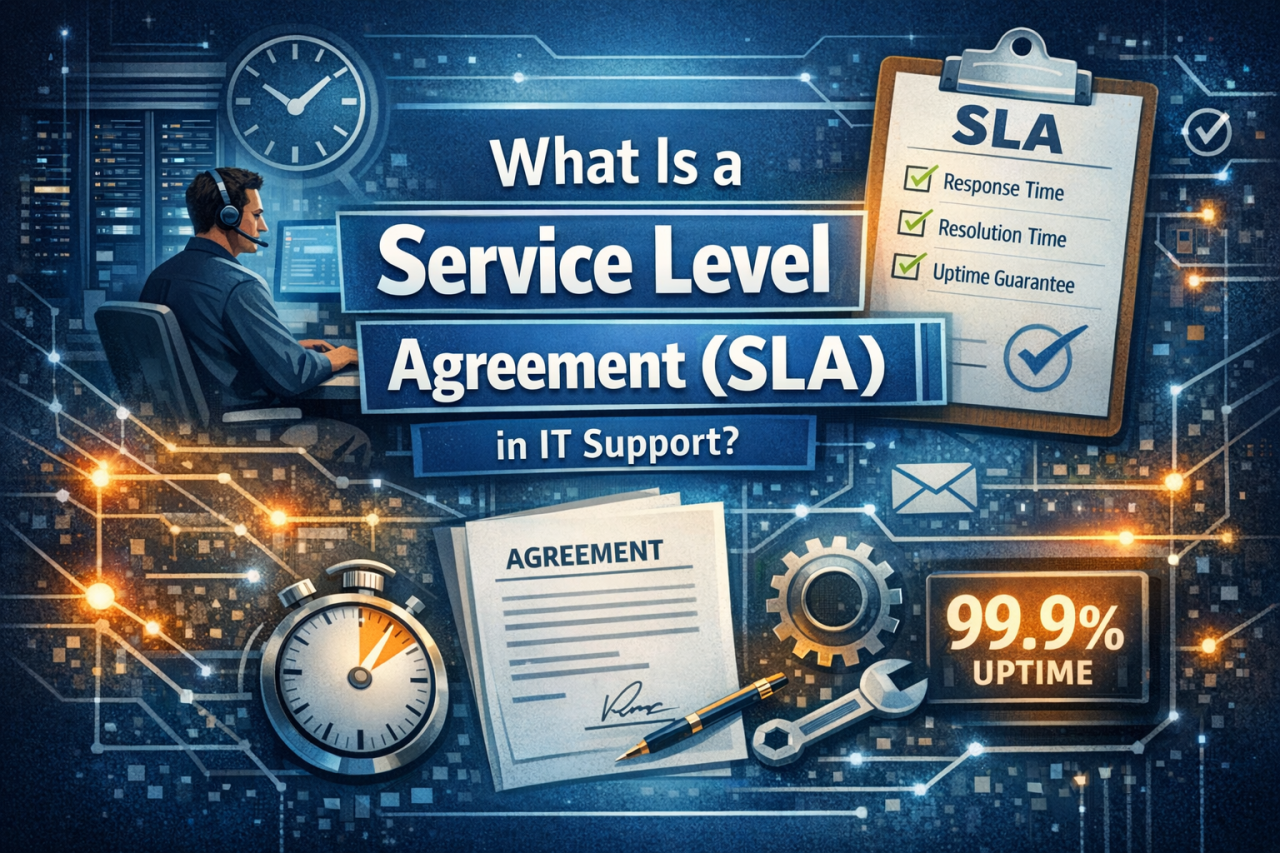
A service level agreement (SLA) in IT support is a formal agreement that defines what service will be delivered, how performance will be measured, and what happens if agreed standards are not met. It gives both the service provider and the customer a shared understanding of response times, resolution targets, availability, responsibilities, escalation routes, and remedies.
For IT leaders, operations managers, finance directors, compliance teams, and business stakeholders, an SLA is more than a contractual detail. It is a practical tool for protecting productivity, managing supplier performance, and improving service quality.
This guide explains:
- What an SLA does in IT support
- The main types of SLAs
- The key components every SLA should include
- Examples of response times, resolution targets, and uptime metrics
- How SLAs fit into wider IT support contracts
- Disaster recovery clauses and governance
- How to improve service performance after implementation
The Short Answer: What Is an SLA for IT Support?
An SLA for IT support defines the level of service a provider must deliver. It usually covers the services included, support hours, priority levels, response times, resolution targets, uptime expectations, performance metrics, escalation procedures, reporting methods, and remedies such as service credits.
In simple terms, an SLA answers four key questions:
- What support is included?
- How quickly will the service provider respond?
- How quickly should issues be resolved?
- What happens if service levels are missed?
A good SLA helps create clear expectations, improve customer satisfaction, and gives both parties a fair way to measure performance.
Why Service Level Agreements Matter in IT Support
Without an SLA, businesses and providers can have completely different expectations. A customer may expect instant support while a provider assumes a four-hour response time is acceptable.
An SLA removes uncertainty by converting vague promises into measurable outcomes.
For example:
“Priority 1 incidents receive a response within 15 minutes.”
SLAs also support managed IT support by helping support teams prioritise work correctly and maintain agreed service levels.
Mini takeaway: An effective SLA protects both sides. Customers know what to expect and providers know what they are accountable for.
How an SLA Defines IT Support Expectations
An SLA defines how support services operate day to day.
Typical areas covered include:
- Services provided
- Support hours
- Priority categories
- Response times
- Resolution targets
- Escalation procedures
- Security requirements
- Customer responsibilities
- Reporting methods
- Service failure remedies
SLAs usually sit alongside wider support agreements and commercial terms.
Types of Service Level Agreements
Customer-Based SLA
A customer-based SLA is tailored to a specific customer and covers all services they receive.
This approach works well for businesses with:
- Multiple sites
- Complex infrastructure
- Compliance requirements
- Dedicated support needs
- Custom reporting requirements
Service-Level SLA
A service-level SLA applies to a specific service delivered across multiple customers.
Examples include:
- Microsoft 365 administration
- Cloud backup services
- Managed firewall support
- Helpdesk services
- Patch management
Multi-Level SLA
A multi-level SLA combines several agreement layers, including corporate, customer, and service-specific requirements.
This is often useful where organisations use multiple providers or complex environments.
Key Components Every SLA Should Include
Service Descriptions
The SLA should clearly define what services are covered.
Examples include:
- Service desk support
- Remote support
- On-site support
- Cloud administration
- Server monitoring
- Security monitoring
- Backup management
Services excluded from support should also be listed.
Roles and Responsibilities
The agreement should explain what responsibilities belong to the provider and which sit with the customer.
The provider may manage:
- Monitoring systems
- Applying updates
- Managing backups
- Escalating incidents
The customer may be responsible for:
- Maintaining licences
- Providing access
- Approving changes
- Reporting issues quickly
Support Hours
Support availability should be clearly defined.
Examples include:
- Monday–Friday, 09:00–17:30
- 24/7 support for critical incidents only
- Emergency support by arrangement
Broader coverage usually affects pricing.
Escalation Procedures
Escalation routes define what happens if issues remain unresolved.
Typical escalation levels:
- Tier 1 – Service desk analyst
- Tier 2 – Senior engineer
- Tier 3 – Specialist or vendor
- Management escalation – Service manager
Performance Metrics: Response Times and Resolution Targets
Performance metrics make SLAs measurable.
Response Time Targets
- P1 – Critical outage: 15 minutes
- P2 – Major issue affecting several users: 1 hour
- P3 – Single user issue: 4 business hours
- P4 – Low priority request: 1 business day
Resolution Targets
- P1 – 4 hours
- P2 – 1 business day
- P3 – 3 business days
- P4 – 5 business days
When choosing an IT support provider, understanding these metrics helps compare support quality between suppliers.
Disaster Recovery and Business Continuity
Disaster recovery commitments are often overlooked in support agreements.
A strong SLA should define:
- Backup frequency
- Recovery Time Objectives (RTO)
- Recovery Point Objectives (RPO)
- Testing schedules
- Communication procedures
For more information on recovery planning, read our guide on backup and disaster recovery.
Cloud Services and Shared Responsibility
Modern businesses increasingly rely on cloud services, and responsibility is often shared between providers and customers.
Cloud environments may involve:
- Microsoft 365
- Cloud backup platforms
- Azure infrastructure
- Hosted applications
Businesses should align their support and security processes with guidance from the National Cyber Security Centre (NCSC).
If you use cloud platforms, you may also find our article on cloud email backup useful.
Monitoring and Reporting
An SLA only works if performance can be measured.
Reports should typically include:
- Tickets logged
- Average response times
- Resolution targets achieved
- SLA breaches
- Customer satisfaction scores
- Service improvements
Final Thoughts
A Service Level Agreement gives IT support structure, accountability, and transparency. It defines service expectations, response times, escalation procedures, and governance.
The strongest SLAs are monitored, reviewed regularly, and updated as business requirements change.
Review Your IT Support Agreement with ESP Projects
Many businesses operate with outdated support agreements that no longer reflect how they work today. Poorly defined response times, unclear escalation routes, and weak disaster recovery commitments can create unnecessary operational risk.
ESP Projects can help review your current support arrangements, identify service gaps, and ensure your agreements align with your business goals.
Contact ESP Projects today to arrange an IT support review and discover how a stronger SLA can improve accountability, performance, and business continuity.