Understanding managed IT support is essential for any modern company aiming to grow. Managed IT support aligns directly with small business goals by ensuring technology drives progress rather than hindering it. When a business relies on a stable, secure, and efficient IT infrastructure, it can focus entirely on core operations, client satisfaction, and revenue generation. Technology should propel your business forward, and a reliable support partner ensures your systems remain a strategic asset.
So What Exactly is Managed IT Support?
What exactly is managed IT support for small businesses? Managed IT support services comprise a range of proactive, outsourced IT solutions provided by specialised experts to supervise and enhance an organisation’s IT infrastructure.
Instead of waiting for a computer to break or a server to fail, managed service providers actively monitor and maintain your systems. They identify and resolve potential issues before they disrupt operations.
This approach replaces the uncertainty of unforeseen expenses resulting from IT issues with a predictable monthly fee. It provides small businesses access to a full team of technical experts for a fraction of the cost of hiring an in house team.
Ultimately, managed IT services allow business owners to offload the burden of IT management. They offer peace of mind, knowing that cybersecurity, data backup, and daily IT operations are fully managed by professionals.
A Deep Explanation of Managed IT Support Services
To truly understand the value of managed IT support, we must look at the specific services play a role in keeping a business running smoothly. A comprehensive managed IT service provider delivers structured service models built around prevention, monitoring, and ongoing improvement.
Core Helpdesk Support and Escalation
At the heart of most support packages is the IT helpdesk. Helpdesk support is the first point of contact when your team experiences a technical issue.
Typical support services for small business environments cover a wide range of daily tasks. These include password resets, software troubleshooting, email configuration, and printer connectivity issues.
When a user submits a ticket, the helpdesk team categorises the problem based on urgency and impact. A clear escalation process ensures that simple issues are resolved quickly by first-line technicians.
More complex problems escalate to senior engineers. This ensures that skilled expertise is applied exactly where it is needed most.
Many issues are resolved through remote monitoring and remote troubleshooting tools. A technician can securely access a user’s machine to fix the problem without leaving their desk.
However, some situations require a physical presence. A comprehensive managed IT service provider also offers on-site support for hardware failures or major network outages.
Furthermore, managed service providers handle vendor management. If your internet goes down or a third-party software application fails, your support partner contacts the external company on your behalf. This third party provider coordination saves your team hours of frustrating phone calls.
Proactive Monitoring and Maintenance
The greatest advantage of managed IT support services is proactive management. This means fixing problems before you even notice them.
Network monitoring and system supervision occur around the clock. Your managed IT service provider uses advanced software to track the health of your servers, workstations, and internet connections.
This continuous network management looks for warning signs. High CPU usage, failing hard drives, or unusual network traffic instantly trigger an alert.
Once an alert is generated, the alerting workflow automatically notifies the support team. Incident remediation steps begin immediately, often behind the scenes, ensuring seamless operations.
Patch management is another critical component of proactive maintenance. Software applications, servers, and other IT infrastructure components must remain up to date.
Your provider will establish automated patching and update schedules. They deploy these critical security updates outside of regular business hours to prevent downtime.
Finally, you should receive a regular reporting cadence. Your provider will deliver monthly reports detailing system health, resolved issues, and the overall outcomes of their proactive monitoring.
Data Backup and Disaster Recovery For Small Business
Data loss can cripple a small business. Managed IT support includes robust data protection strategies to ensure business continuity.
Backup solutions come in several forms. Your provider will set up file-level backups, image-based backups, and database backups.
These backups are typically stored in multiple locations. A local backup allows for fast data recovery, while a secure cloud-based backup protects against physical disasters like fire or theft.
A solid disaster recovery plan goes beyond simply saving files. It includes a detailed disaster recovery runbook.
This runbook outlines the exact steps to take if a catastrophic system failure occurs. It details who to contact, how to failover to backup systems, and how to restore operations.
Your provider will also help you define two critical metrics: Recovery Time Objective (RTO) and Recovery Point Objective (RPO).
RTO defines how quickly your systems must be back online after a disaster. RPO defines how much data your business can afford to lose, dictating how frequently backups must occur.
Cloud Infrastructure and Hybrid IT Options
Modern small businesses rely heavily on cloud services. Managed service providers offer strategic guidance on the best cloud solutions for your specific needs.
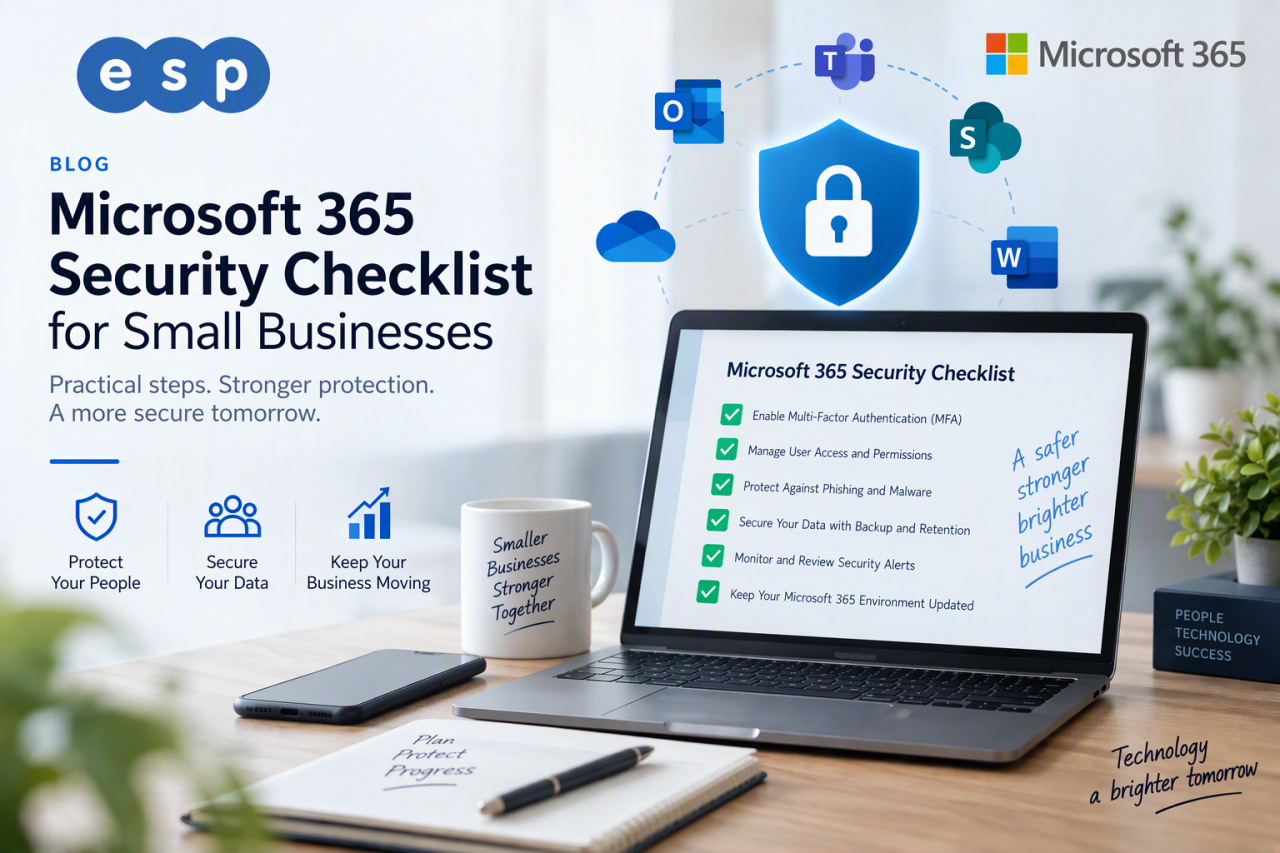
Moving to cloud infrastructure offers excellent flexibility and scalability. It allows small businesses to adjust their IT resources dynamically without purchasing expensive on-premise servers. Solutions such as Microsoft 365 for business provide scalable tools for communication, collaboration, and data management that grow alongside your organisation.
However, fully managed cloud solutions are not the only option. Some businesses prefer to keep sensitive data on-site while using the cloud for email and collaboration.
This is where hybrid cloud patterns excel. A hybrid approach allows for a phased migration, moving non-critical workloads to the cloud first while retaining on-premise servers for specific applications.
If you decide to migrate, your IT provider will manage the entire process. A thorough migration checklist includes assessing network bandwidth, mapping application dependencies, and planning data transfer schedules to minimise disruption.
Security and Threat Management Support Services
Cyber threats are a massive risk for small businesses. A data breach can lead to severe financial losses and erode customer trust.
Managed IT support services place a strong emphasis on cybersecurity. They deploy robust security measures designed to protect your IT environment from evolving cyber attacks. For further guidance on protecting your organisation, the
NCSC Small Business Cyber Security Guide provides practical, government-backed advice for UK businesses.
Endpoint protection is a vital first step. This involves installing advanced antivirus software and intrusion detection systems on every laptop, desktop, and mobile device.
Vulnerability scanning happens regularly. Your provider will actively search your network for weaknesses that hackers could exploit.
Once vulnerabilities are identified, the remediation cadence ensures they are patched immediately. This proactive stance is essential for data protection.
Additionally, your managed IT service provider advises on compliance checks and audit readiness. They ensure your data management practices align with industry regulations, keeping your business legally compliant and secure.
When To Outsource Versus Rely On Internal Resources
Many small business owners struggle with deciding whether to hire an internal team or outsource to a managed IT service provider. Comparing the two approaches highlights several key differences.
Outsourcing IT support to managed service providers offers substantial cost savings. Hiring an internal IT manager requires paying a full-time salary, benefits, and ongoing training costs.
In contrast, managed IT services provide access to an entire team of experts for a predictable monthly cost. This is almost always more cost-effective than building an in-house team from scratch.
Internal resources often face capability gaps. A single internal IT person cannot possibly be an expert in cloud management, cyber security, network architecture, and daily helpdesk support.
A managed IT service provider brings a diverse pool of talent. You benefit from current industry knowledge and innovative solutions without the overhead costs associated with training internal staff.
However, a complete replacement is not always necessary. A hybrid model is highly effective for growing companies.
In a hybrid setup, you might keep an internal IT manager to handle daily user requests and internal projects. You then use a managed IT service provider for complex network management, out-of-hours proactive monitoring, and high-level strategic planning.
Choosing The Right Managed IT Service Provider
Not all IT providers offer the same level of service. Choosing the right managed IT support provider requires careful evaluation.
Start by creating an evaluation checklist for prospective service providers. You need to assess their technical capabilities, communication style, and understanding of your specific industry.
Always request sample Service Level Agreements (SLAs). The SLA dictates the guaranteed response times for different types of technical issues. You need to know exactly how fast they will react to a critical system failure.
Ask for client references and recent case studies. Speaking directly to their current clients reveals how the provider actually performs under pressure.
A suitable provider will act as an extension of your team. They should offer transparent communication and clear escalation procedures.
Support Packages and Pricing Models For Small Business
Understanding how managed IT support is priced helps you budget accurately. Most providers offer tiered support packages.
Basic support packages often include standard helpdesk support and basic remote monitoring. Premium packages usually add advanced cyber security, comprehensive disaster recovery, and dedicated strategic planning sessions.
Pricing models generally fall into two categories: per-user and per-device.
Per-user pricing charges a flat fee for each employee, regardless of how many devices they use. Per-device pricing charges a fee for every server, computer, and mobile device managed on the network.
If your staff use multiple devices (a desktop, a laptop, and a smartphone), per-user pricing is often more economical.
We highly recommend asking for a pilot or trial support package. This allows you to test their response times and professional support capabilities before signing a long-term contract.
Aligning IT Infrastructure With Business Goals
Your IT environment should not just exist; it should actively support your business objectives. Alignment with business goals is critical when selecting a support partner.
A great managed IT service provider will advise creating an IT roadmap. This document outlines how your technology will evolve over the next three to five years to support business growth.
They will help you map IT infrastructure investments to measurable outcomes. For example, upgrading to cloud-based tools should directly result in improved operational efficiency for remote workers.
You should also set IT Key Performance Indicators (KPIs). These metrics, such as system uptime percentage or average helpdesk resolution time, reflect how well the technology is supporting your overall business strategy.
Onboarding and Transition Plan For A New Service Provider
Switching IT providers can feel daunting, but a structured transition plan ensures a smooth handover.
The process must begin with a full IT audit. Before the transition begins, your new provider needs to understand exactly how your current network operates.
They will inventory all hardware and software assets. They will document your current configurations, administrative passwords, and network diagrams.
Once the audit is complete, schedule a phased migration. Transitioning services in stages, rather than all at once, helps to minimise operational impact and prevents unexpected downtime.
Common Misconceptions and Small Business FAQs
Despite the clear benefits, several myths prevent small businesses from adopting managed IT services. Let us address these frequent misconceptions about managed IT for small business.
“Outsourcing means losing control of my business operations.”
This is a prevalent misconception. A good managed IT support provider acts as an extension of your internal team, enhancing control rather than diminishing it. You retain final decision-making power over all IT strategy and budget approvals.
“Managed IT services are too expensive for a small business.”
Some believe that managed IT services are costly, especially for smaller organisations. In reality, managed IT support helps control expenditure and reduces financial surprises. It replaces hidden costs associated with emergency call outs with a fixed monthly fee.
“My business is too small to be targeted by cyber-attacks.”
Many believe that cybersecurity isn’t a concern for small businesses. Hackers frequently target small businesses precisely because they expect weaker defences. Robust security measures are essential for companies of all sizes to prevent data loss.
“If it isn’t broken, don’t fix it.”
Waiting for technology to break before fixing it is a recipe for disaster. This reactive approach leads to massive downtime costs. Proactive monitoring helps identify vulnerabilities and outdated software early, maintaining seamless operations.
“We can just hire an in-house IT person cheaper.”
While an entry-level technician might have a lower base salary, they lack the broad expertise of a full team. Outsourcing to managed service providers can minimise overhead costs associated with hiring, benefits, sick leave, and training.
Summary and Recommended Next Steps
Managed IT support services are not just about fixing computers; they are about enabling business growth. They provide small businesses access to enterprise-level technology, robust data protection, and expert strategic guidance.
By choosing to partner with a managed IT service provider, you replace unpredictable IT emergencies with stable, proactive management. You gain a dedicated team focused on keeping your systems secure, up to date, and aligned with your business goals.
The cost savings, enhanced security, and improved operational efficiency make managed IT support an invaluable investment for any forward-thinking small business.
The best way to begin is by understanding your current technological standing. We recommend scheduling an IT readiness audit call to assess your network’s health, security vulnerabilities, and areas for immediate improvement.
Following the audit, you can propose selecting a support package based on the specific audit findings, ensuring you only pay for the services you genuinely need.
To help you evaluate potential partners, here is a quick one-page checklist for provider selection:
- Do they offer 24/7 proactive monitoring?
- Are their SLAs clear and guaranteed?
- Do they provide comprehensive data backup and disaster recovery?
- Can they demonstrate experience in your specific industry?
- Do they offer regular strategic planning and review meetings?
Stop letting IT headaches slow down your business growth. Contact ESP Projects today to schedule your comprehensive IT readiness audit especially if you want IT Support in Sheffield. Our team of experts will help you uncover hidden risks, streamline your IT operations, and build a technology roadmap designed for your long-term success.