
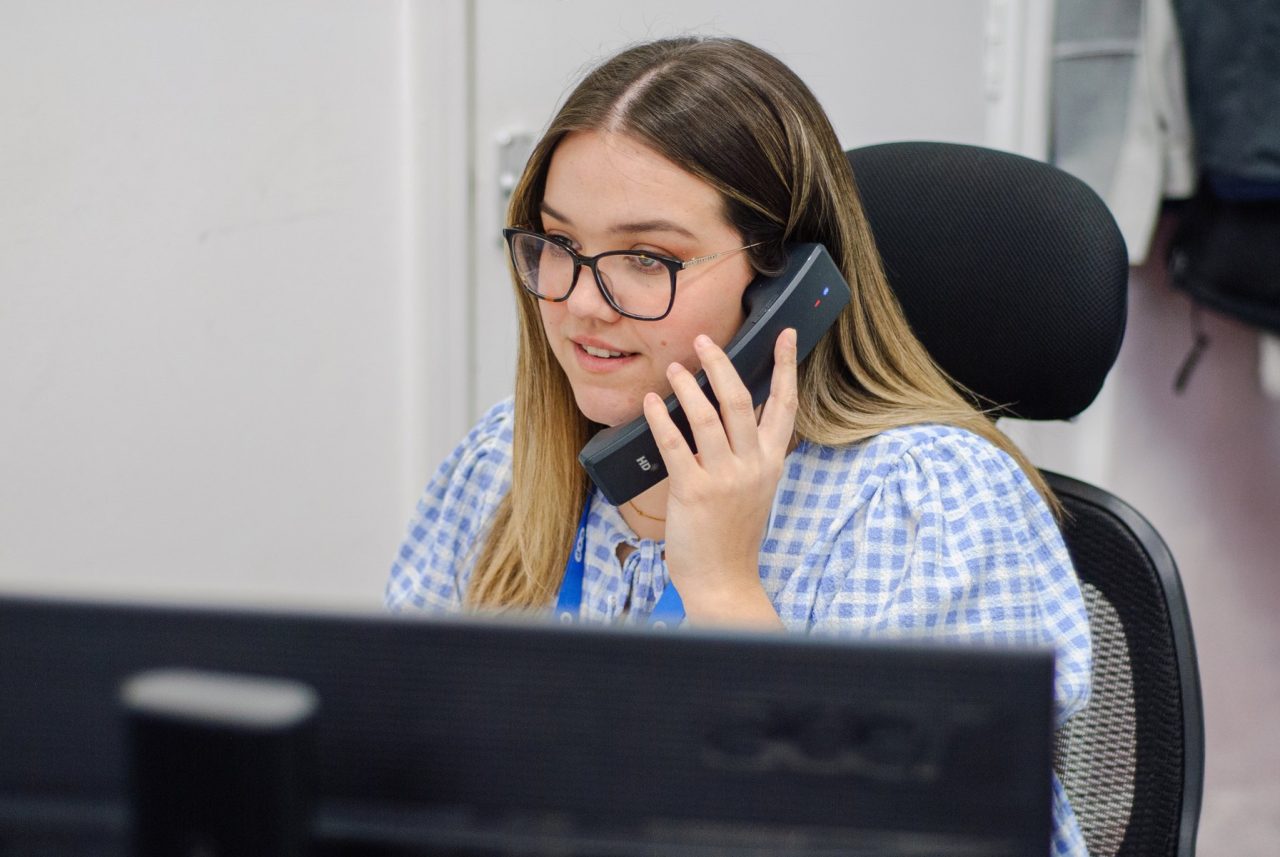
Is your IT provider too slow to respond?
Get faster answers from a Sheffield team that typically answers support calls in under one minute.
135 Edmund Road, Sheffield, S2 4ED
EST. 2002
Providing faster IT for businesses since 2002
Summary of our last 30 days.
We look after computers for Business Owners!
OK, so that might sound like a bit of a weird statement to put on our page. We look after computers for Business Owners – because you don’t want to! However, you can find out more about why we’re starting to roll out this phrase by reading one of our recent blogposts here What does your business do? In the meantime, what does it mean? Well it means that we take care of your IT Systems within your business. We only bother you with the things you need to know about. Other than that, we’ll deal with it for you. If you have someone in house that we can communicate with rather than you, the business owner, then great, we’ll do just that. We mostly work with businesses from 25 – 50 staff – it’s our bread and butter.
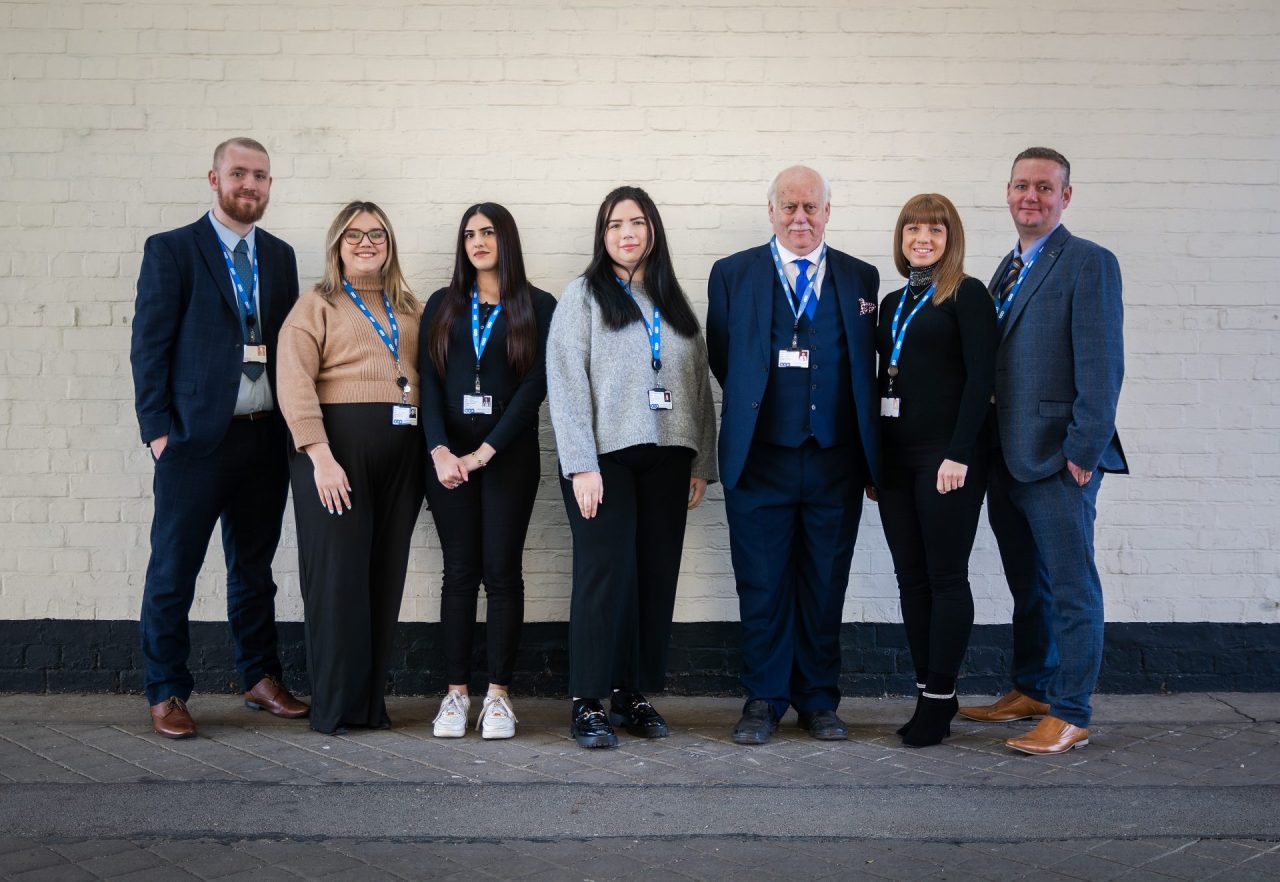
Although we do have customers smaller and larger than that. We work with different people across those organisations. Some businesses nominate an IT contact, some businesses expect their Finance Director (FD) to be responsible for communicating with us. Others want their Operations Director or Manager to deal with it. Either way, we’ll take the hassle away from you and Look after the computers (and all of the associated computers, software and other things) for your business and make it as light-touch as possible for you IF that’s what you want.
What are ESP talking about?
Latest News
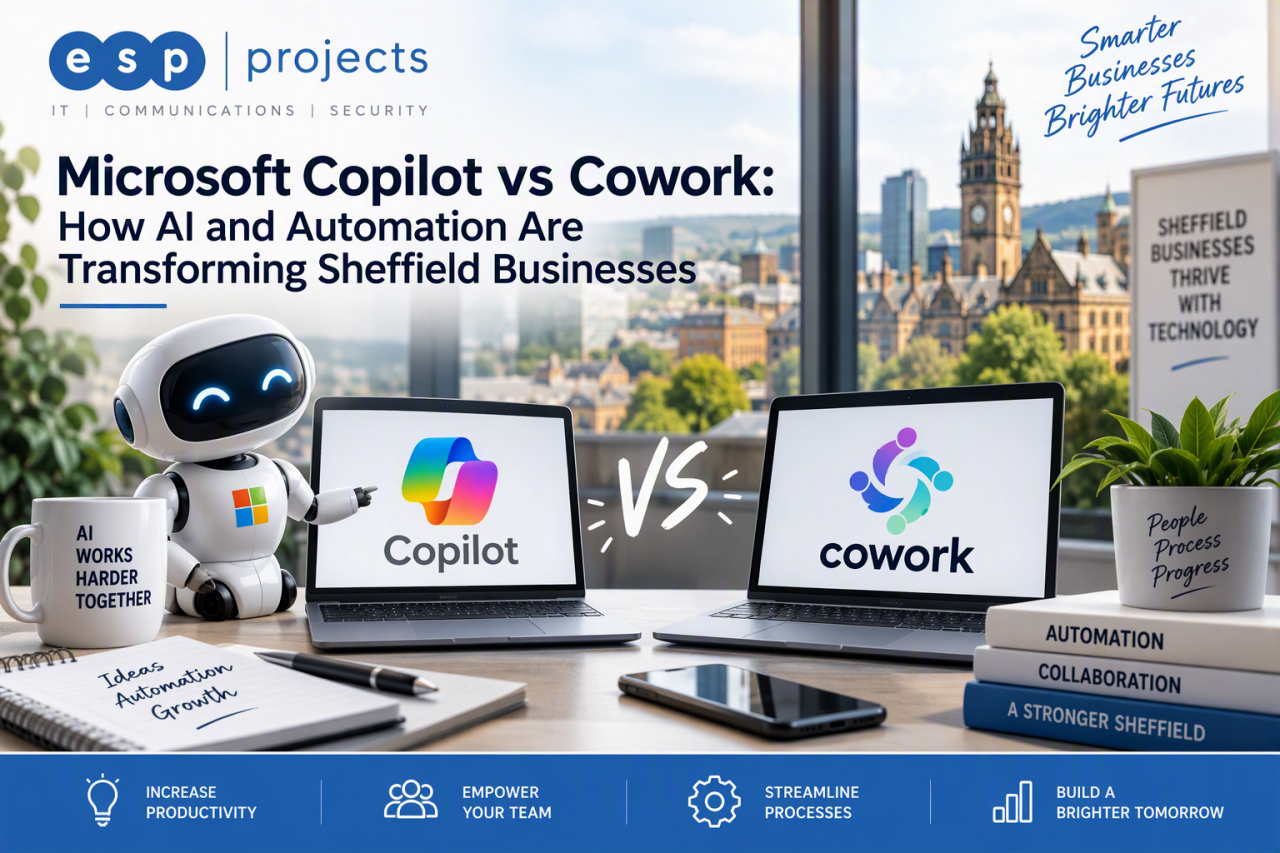
Customers ask: What is Microsoft Copilot?
Microsoft Copilot is an AI-powered work assistant within the Microsoft 365 environment. It can help people find information, draft and improve content, summarise meetings and emails, analyse data and work more efficiently across familiar applications such as Word, Excel, Outlook, Teams and PowerPoint.
- Draft and refine emails, reports and proposals
- Summarise meetings, conversations and documents
- Prepare presentations and analyse business information
- Generate ideas, plans and first drafts more quickly
- Use permitted organisational context to make responses more relevant
Customers ask: What is Copilot Cowork?
Copilot Cowork is an action-orientated part of the Microsoft Copilot experience. Instead of […]
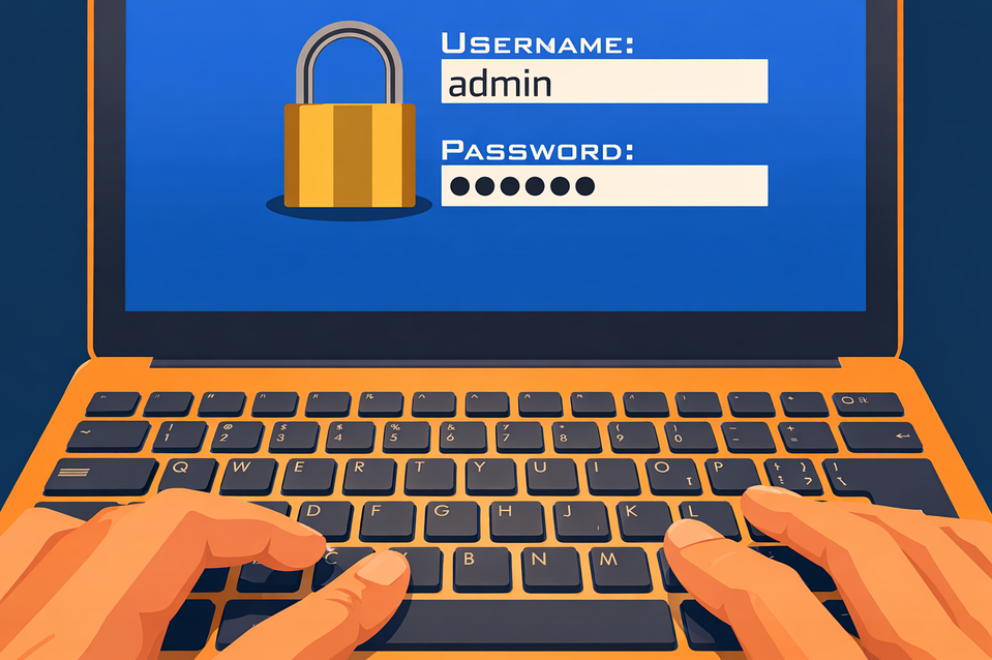
Your team locks everything down with passwords. Some are strong, some are not, and most have been reused somewhere over the years. Every month, IT fields reset requests. Every year, the same breach reports list stolen credentials as the leading cause.
There is now a more effective path, and it does not require users to memorise anything.
Passkey migration is the process of moving from traditional passwords to passkeys: a form of phishing-resistant authentication that uses your device’s built-in security instead of a shared secret.
It is practical, it […]
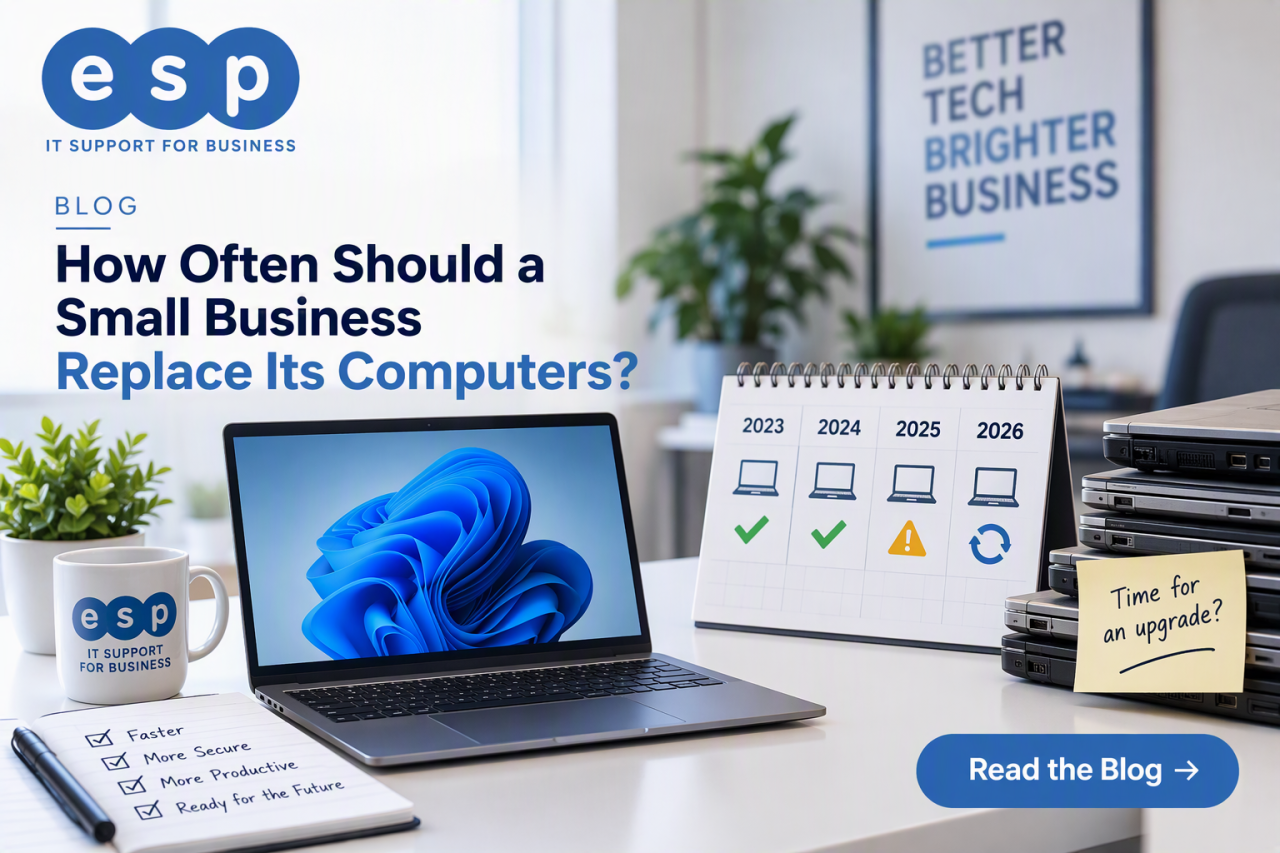
A small business should replace a computer when it is no longer secure, reliable or productive enough for the job it needs to do. For many office PCs and laptops, that may be somewhere around three to five years, but there is no universal replacement date. A lightly used desktop may remain useful for longer, while a heavily used laptop or specialist workstation may need replacing sooner.
The TAYA answer is simple: use age as a planning signal, not as the only rule. Replace a machine when support ends, performance materially affects work, reliability declines, repairs stop making financial sense or […]