

Is your IT provider too slow to respond?
Get faster answers from a Sheffield team that typically answers support calls in under one minute.
135 Edmund Road, Sheffield, S2 4ED

EST. 2002
Providing faster IT for businesses since 2002
Summary of our last 30 days.
We look after computers for Business Owners!
OK, so that might sound like a bit of a weird statement to put on our page. We look after computers for Business Owners – because you don’t want to! However, you can find out more about why we’re starting to roll out this phrase by reading one of our recent blogposts here What does your business do? In the meantime, what does it mean? Well it means that we take care of your IT Systems within your business. We only bother you with the things you need to know about. Other than that, we’ll deal with it for you. If you have someone in house that we can communicate with rather than you, the business owner, then great, we’ll do just that. We mostly work with businesses from 25 – 50 staff – it’s our bread and butter.
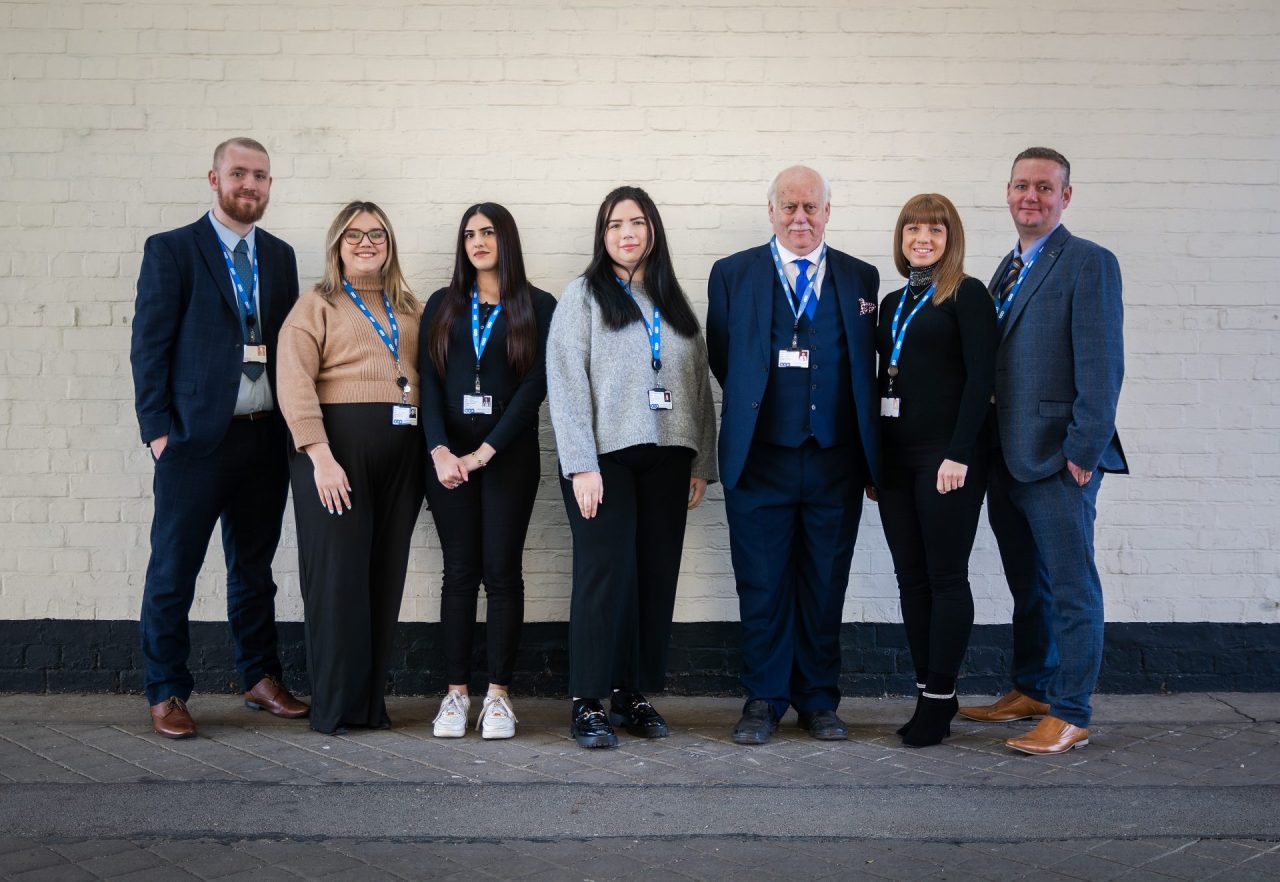
Although we do have customers smaller and larger than that. We work with different people across those organisations. Some businesses nominate an IT contact, some businesses expect their Finance Director (FD) to be responsible for communicating with us. Others want their Operations Director or Manager to deal with it. Either way, we’ll take the hassle away from you and Look after the computers (and all of the associated computers, software and other things) for your business and make it as light-touch as possible for you IF that’s what you want.
What are ESP talking about?
Latest News
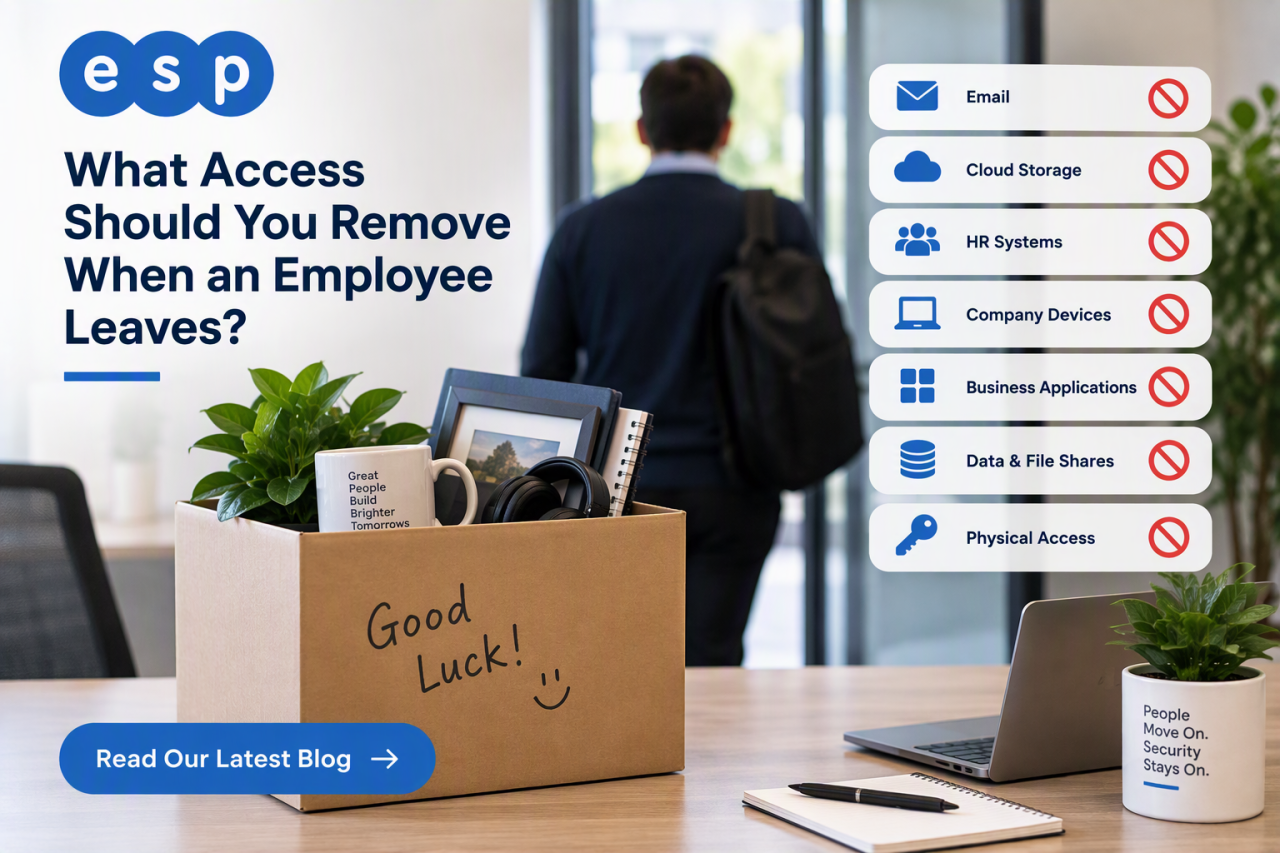
When an employee leaves, remove their ability to sign in to company systems at the agreed leaving time, then work through every other route they used to access business data. That usually includes Microsoft 365, cloud applications, shared accounts, VPN access, multi-factor authentication, company devices, physical access and any administrator permissions.
The key point is that offboarding is not the same as simply deleting a user account. You may need to preserve email, files, audit records or other business information before the account is eventually removed. A secure process protects company data while allowing work to continue after the person has […]

A fake recruiter message is one of the cleanest social engineering tricks around because it doesn’t look like a trick.
That’s why LinkedIn recruitment scams work so well inside real businesses.
They don’t arrive as malware. They arrive as a normal conversation that nudges someone toward one small action: click this link, open this file, “verify” this detail, move the chat to a different app.
A few simple checks, a couple of hard-stop rules, and an easy way to report suspicious outreach can shut these scams down without slowing […]
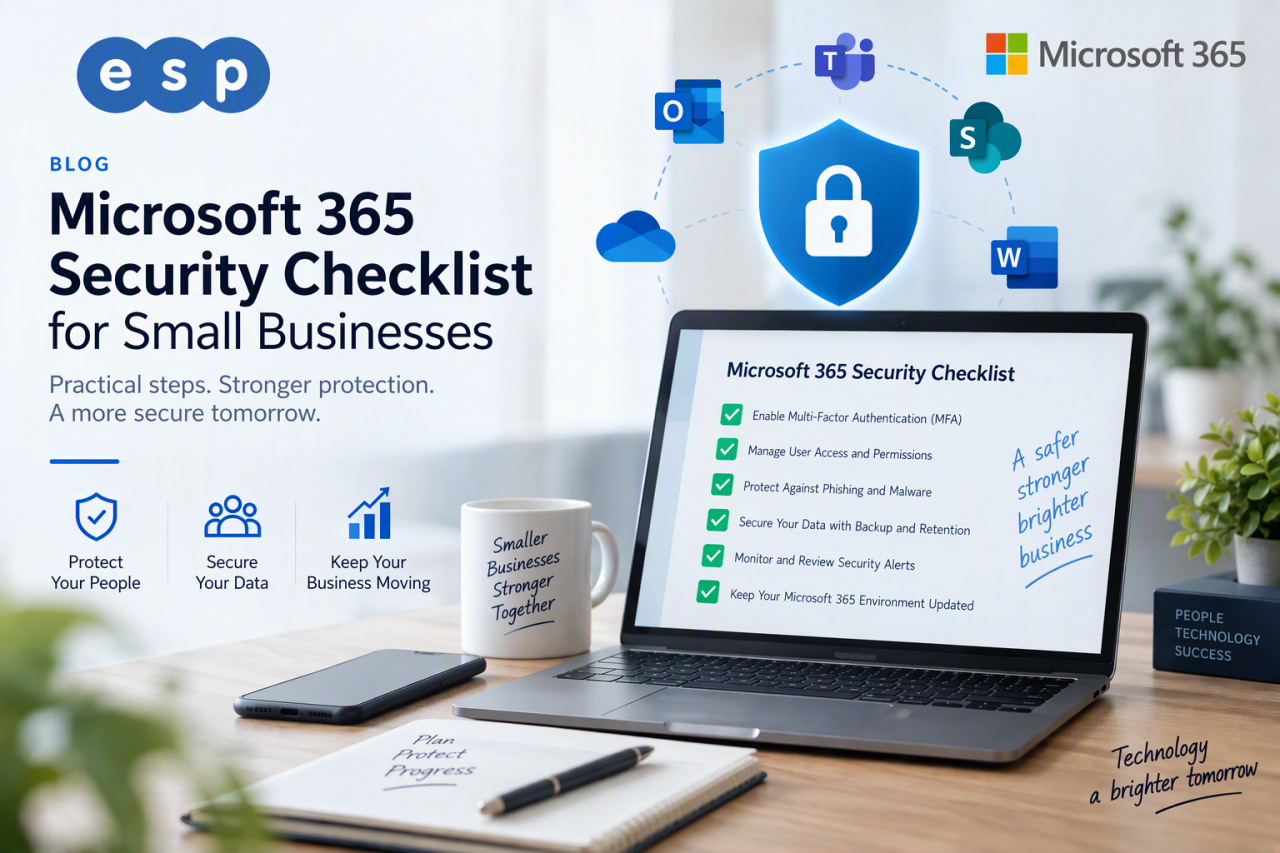
If you do one thing today, make sure multi-factor authentication (MFA) is enabled for every Microsoft 365 account, starting with administrators. Microsoft reports that more than 99.9% of compromised accounts it has observed did not use MFA, which shows how much protection an extra verification step can provide.
That is the first priority, but it is not the whole security plan. Microsoft 365 stores email, documents, identities, shared files and often some of the most commercially sensitive information in a small business. Protecting it means securing identities, devices, email, data and backups together rather than relying on one setting.
This Microsoft 365 […]